
Using Claimory AI and Claim Audits
Claimory AI is a second set of eyes on every claim: a senior estimator, an office manager, and an advocate in one. It drafts and recalls, but it never sends anything on its own. Available on Professional and up.

- Step 11
Open the AI drawer
Open Claimory AI from the pill on the right edge, the mobile header button, or Cmd+K. It docks to the right of your screen, or expands to a full canvas when you want more room.
app.claimory.io/dashboard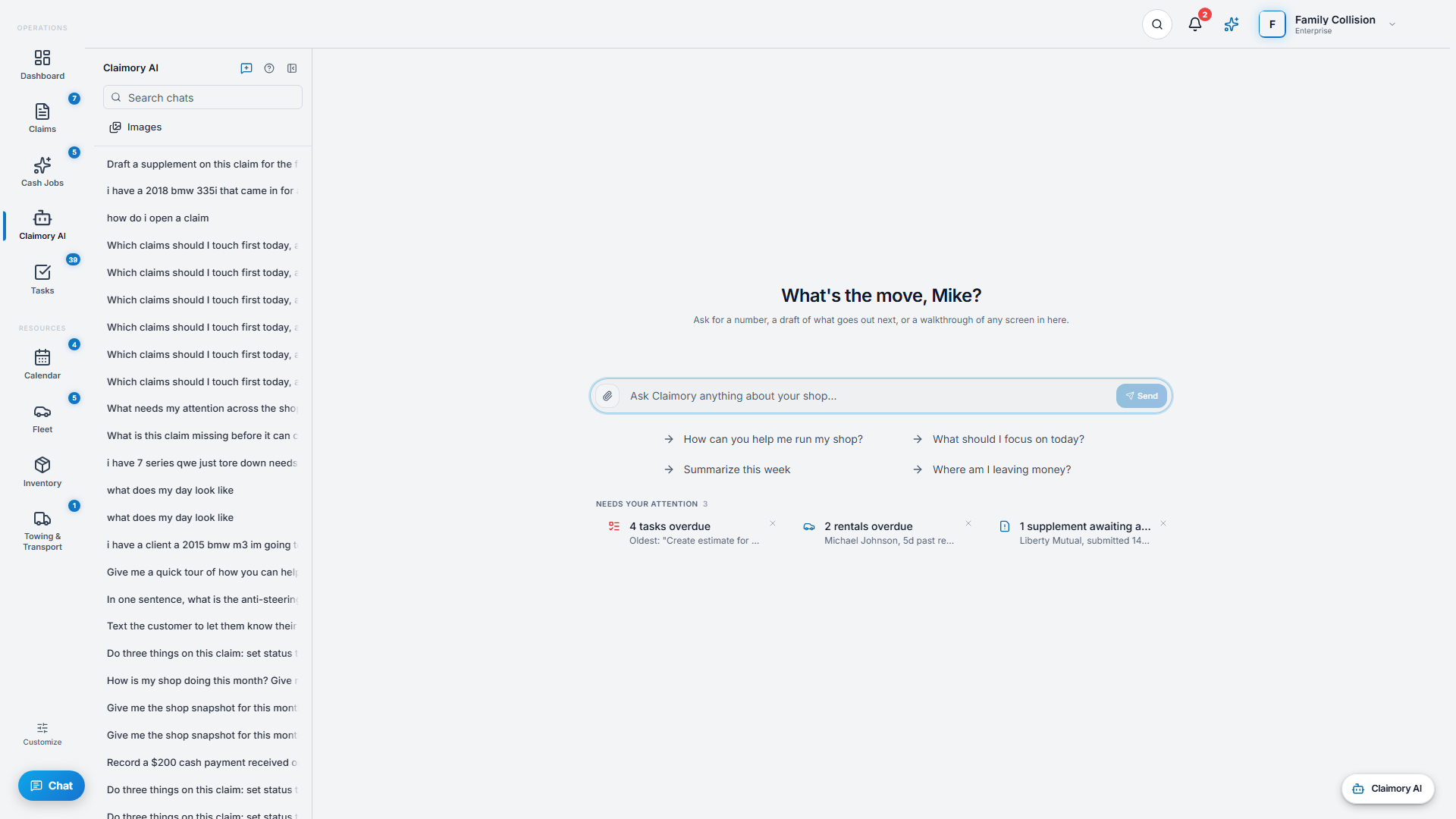
- Step 22
Ask anything about an open claim
Type a question and get an answer in a few seconds, pulled from the claim's notes, files, photos, messages, and supplement state. Use the suggested prompts, or tap a needs-attention card to pre-fill a question.
- Step 33
Attach documents and photos
Drag in or attach images, PDFs, audio, or documents and the AI reads them. This is how you get a supplement PDF or a teardown photo turned into structured line items you can use.
- Step 44
Run a Claim Audit
Ask the AI to audit the claim, or use the Claim Audit tab. It does a multi-pass review of the full record and flags missed labor, blend time, R&I, OEM procedures, and supplement opportunities. The result appears as a card with an Open full audit link, and every finding cites its source.
Tip. A Claim Audit is a suggestion list, not an auto-edit. You apply the findings you agree with.
app.claimory.io/dashboard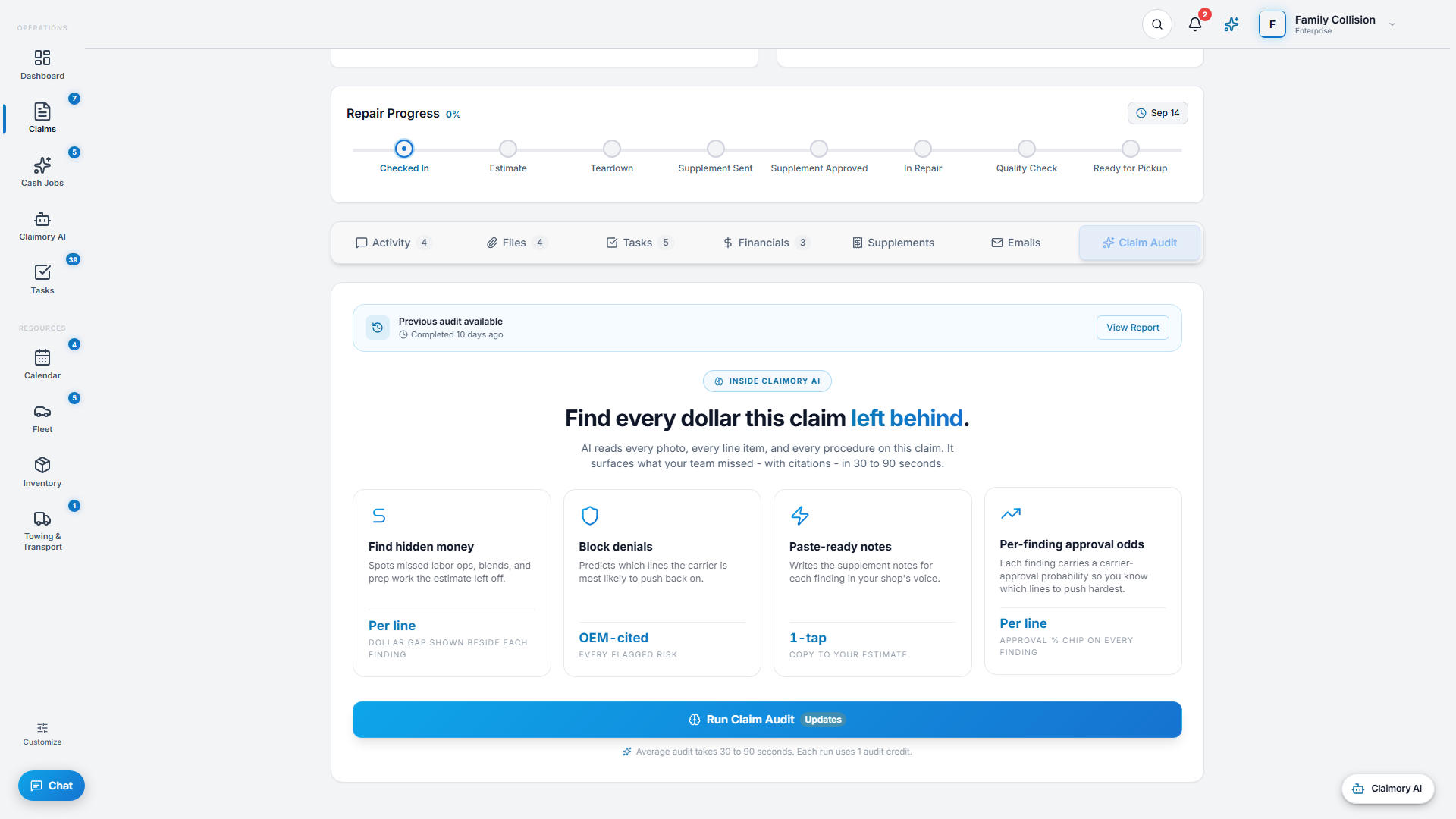
- Step 55
Draft, review, send
When the AI proposes an action like an adjuster email, it appears as a card you approve and run. Smart replies on email work the same way, and so will rewrites on outbound texts once texting launches: the AI drafts, you approve. Nothing leaves the shop without a human.
- Step 66
Watch your usage
AI chat is unlimited on paid plans. Claim Audits are metered (30 per month on Professional, 100 on Elite). If you hit the cap mid-month you get a one-tap prompt to buy an add-on pack or pay per use.

Common questions
Related tutorials
Ready to run your shop on Claimory?
Start a free 14-day trial. No credit card. The full Professional feature set, and an office manager onboarded in about 30 minutes.
No credit card. Works with CCC ONE and Mitchell.