The Command Center is where the numbers live: how fast you turn cars, which carriers slow you down, and where the money goes. Available to managers and admins.
Step 1
1
Open the Command Center
From the user menu under Shop Admin, choose Command Center (the Reports and Financials links land here too). It is organized into tabs.
app.claimory.io/command-center
Step 2
2
Read claims analytics
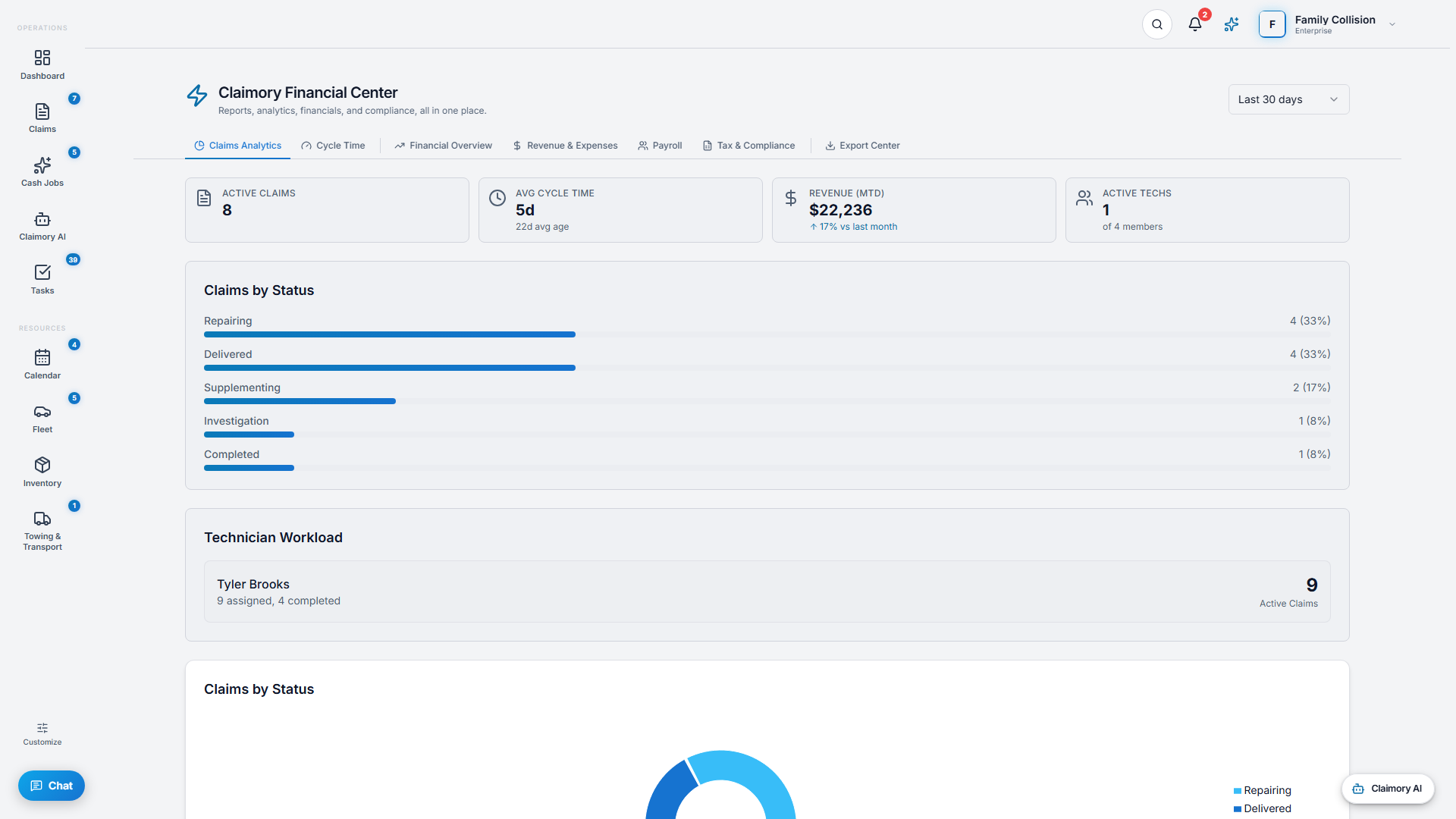
The Claims Analytics tab shows average cycle time, status distribution, and carrier performance per insurance company: total and completed claims, average cycle time, supplement rate, revenue, and payment speed.
Pro tip
Carrier performance is how you learn which carriers are slow to pay or quick to deny, so you can plan around them.
Step 3
3
Review the financials
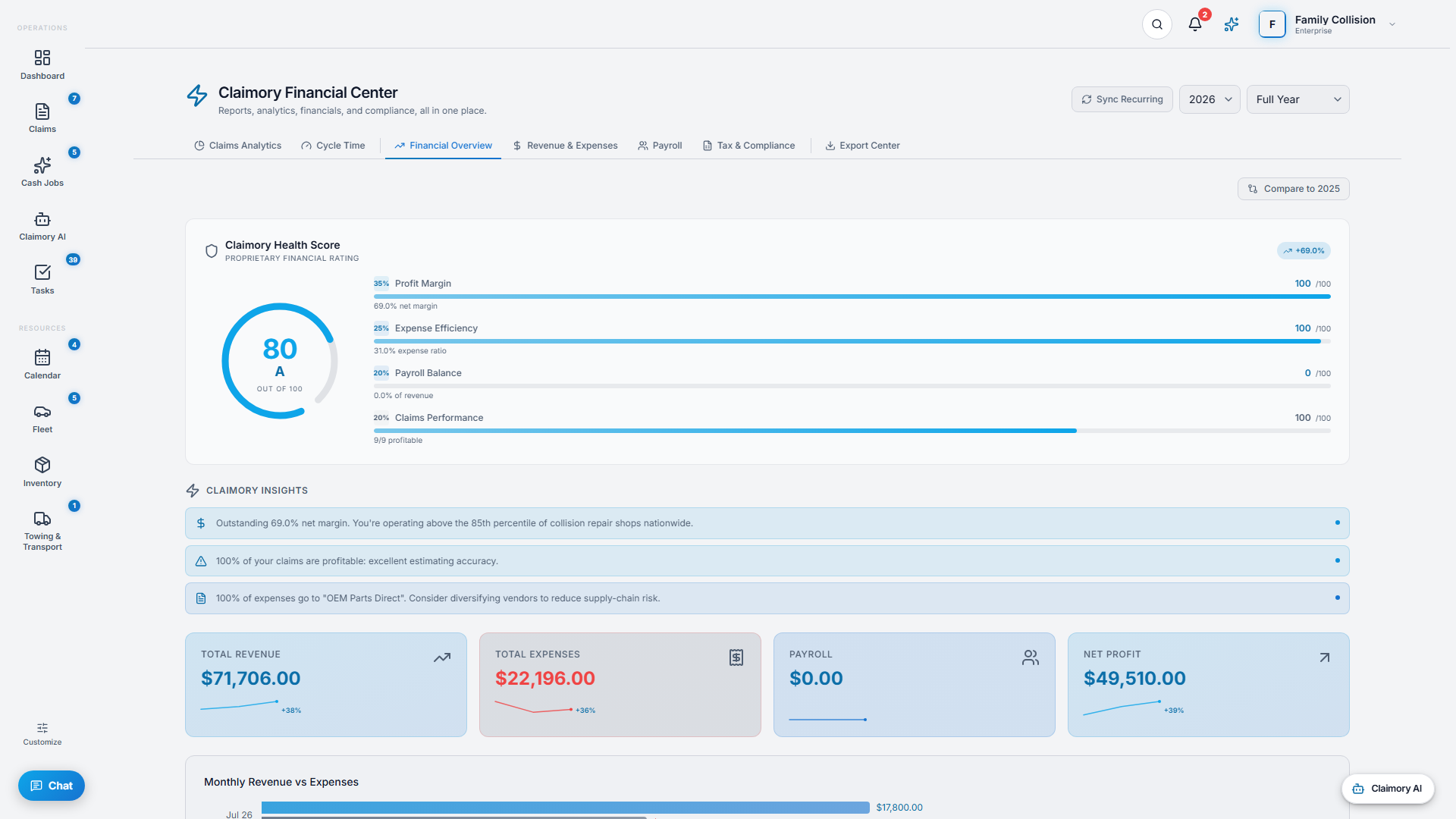
Financial Overview, Revenue and Expenses, Payroll, and Tax and Compliance give you the money picture, including a tax-deadline countdown.
app.claimory.io/command-center
Step 4
4
Export what you need
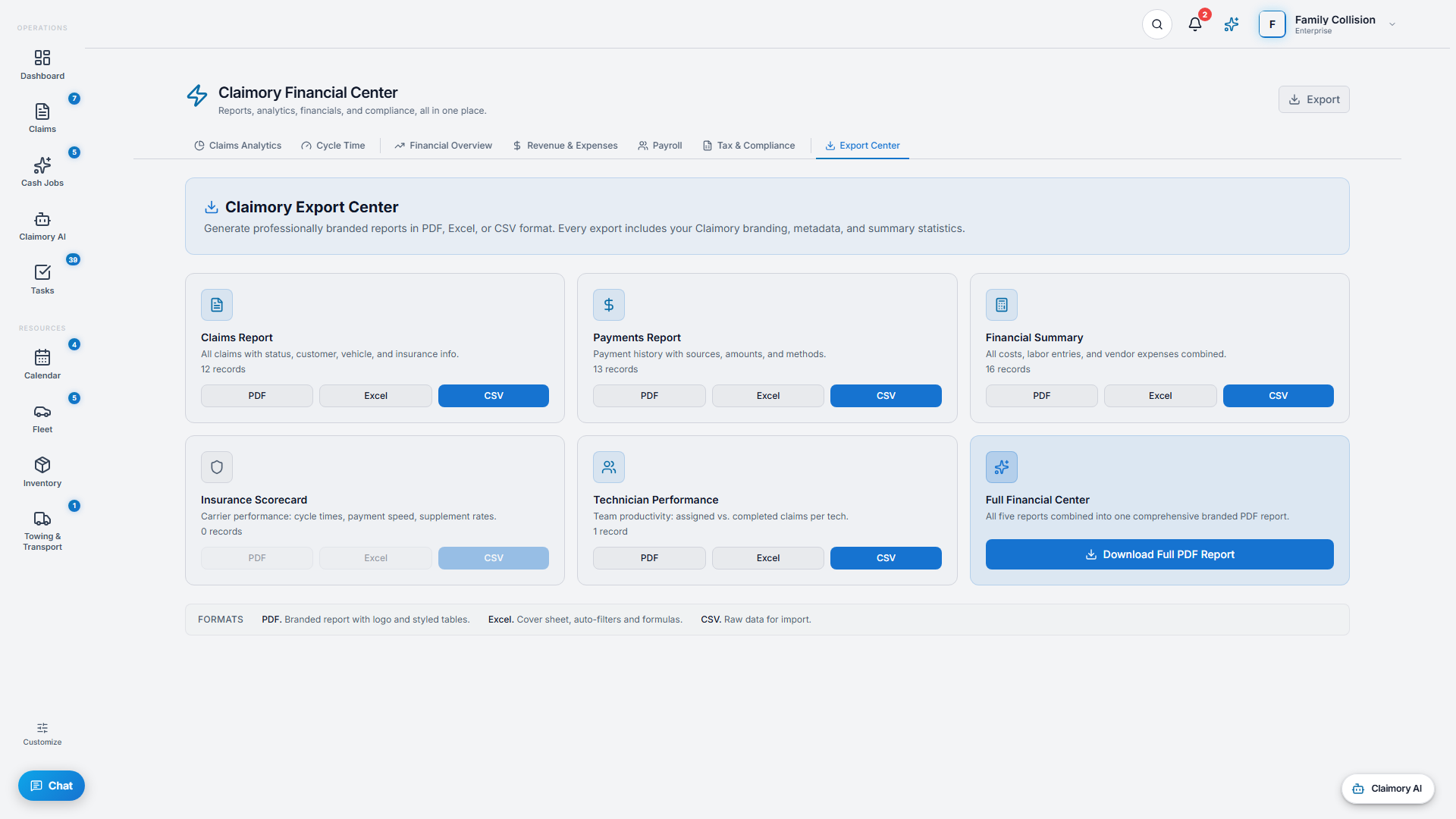
The Export Center produces PDF, Excel, or CSV reports with date-range and period filters and column configuration, for your accountant or your own records.