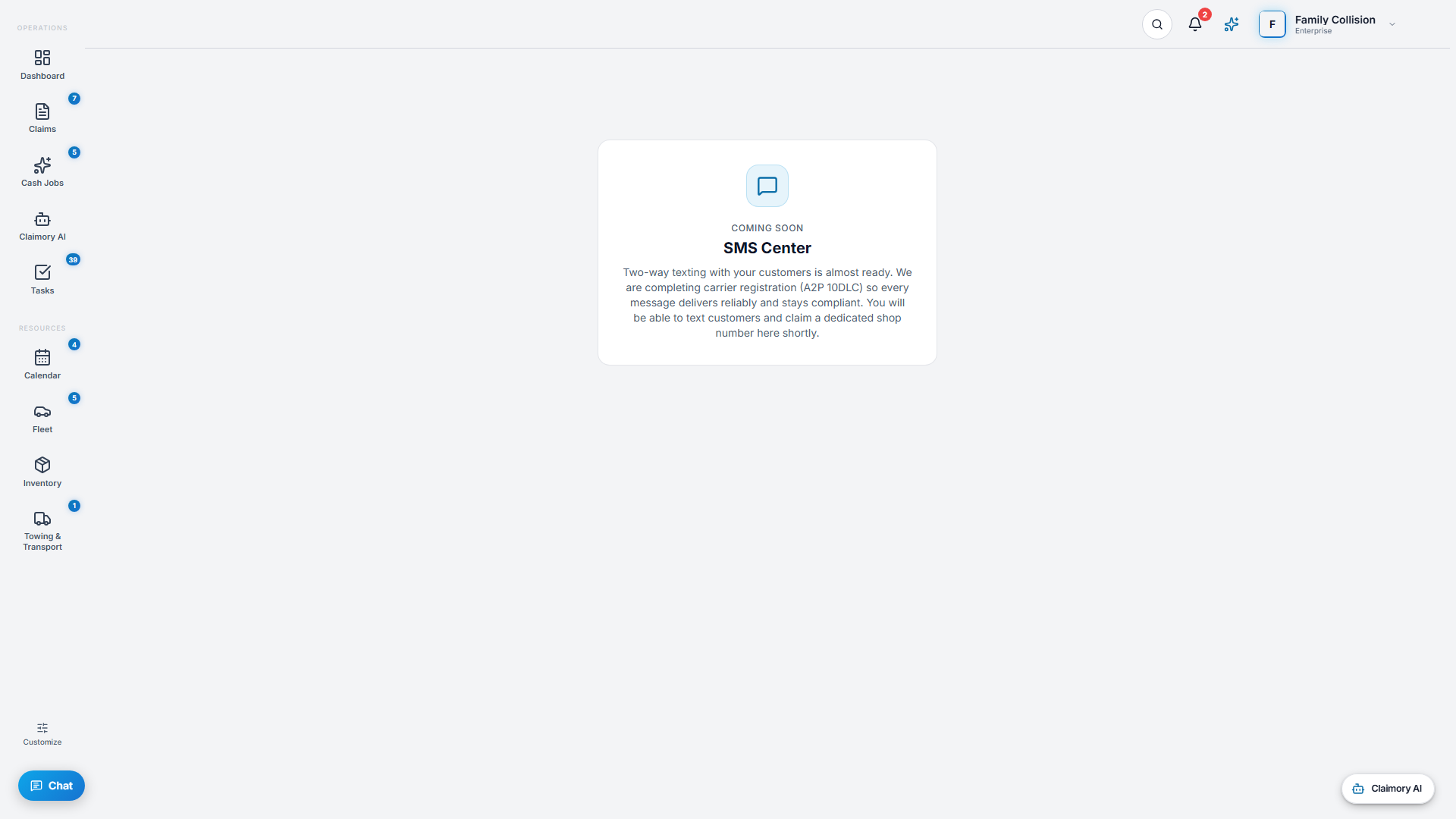
Claimory texting is coming soon, switched off for every shop while carrier registration for business texting completes, and the SMS Center shows Coming soon until then. Once texting launches, SMS lets you text customers from a dedicated shop number, right inside Claimory. Once texting launches, it is built to cut where-is-my-car phone traffic, on Professional and up.
Step 1
1
Open the SMS Center (coming soon)
Click SMS in the navigation (it shows a Coming soon card today). Once texting launches, the first time you open it you provision your shop number (you can request a preferred area code), and after that you have a conversation list and a message thread, like any texting app.
app.claimory.io/sms
Step 2
2
Start a conversation
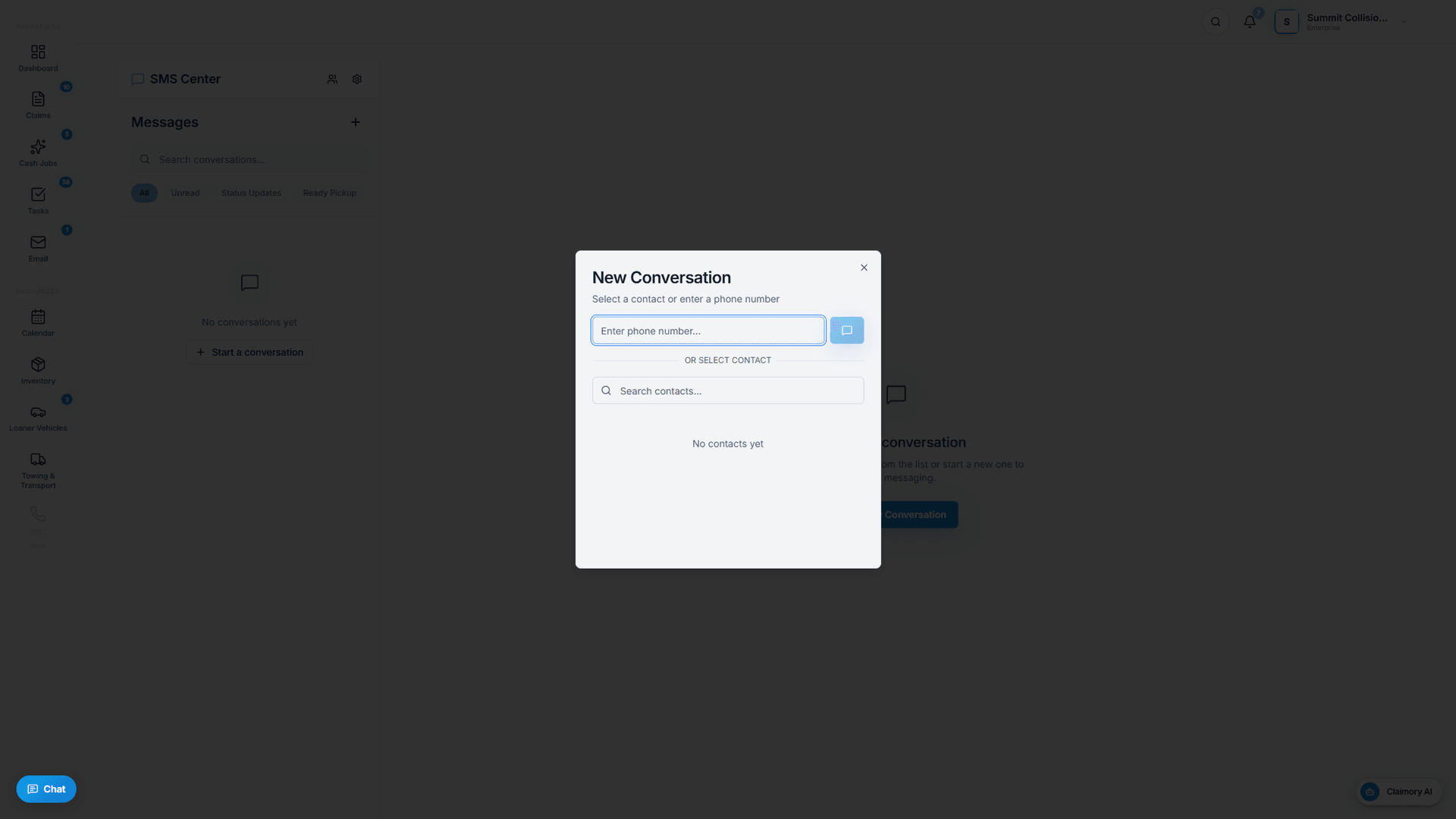
Once texting launches, press New Conversation, pick a contact, and text, and inbound replies land in the same thread with an alert when a customer texts back.
app.claimory.io/sms
Step 3
3
Turn on automatic notifications
Once texting launches, enable automatic messages in SMS settings for status updates, appointment reminders, ready-for-pickup, and supplement updates, so customers stay informed without anyone typing.
Pro tip
The Claimory AI Rewrite toggle (coming soon) polishes the tone and clarity of an outbound text before you send it.
4
Step 4
4
Watch your usage
Once texting launches, SMS is metered (250 per month on Professional, 1,000 on Elite), and the settings panel shows sent, delivered, and failed counts for the month.