
Fix sideways or upside-down PDF scans before they ship to the adjuster
Claimory's free Scan Rotator turns a sideways or upside-down scanned estimate PDF right side up before a body shop sends it to the insurance adjuster. The Claimory tool rotates every page by 90, 180 or 270 degrees with no signup or email gate, and files never leave your browser. Select or drag the PDF, pick a rotation, click rotate. The corrected file downloads to your computer.
Why this exists
Old desktop scanners and phone scan apps produce PDFs that load sideways or upside-down. A sideways page risks being sent back rather than flipped on the adjuster's end. The fix is a 90, 180, or 270 degree rotation, which most PDF readers cannot save back into the file. This tool does it in seconds.
The whole rotation runs in your browser. Files never upload to a server, so there is no privacy review needed before using it on real claim files.
Keep every claim file on the claim in Claimory
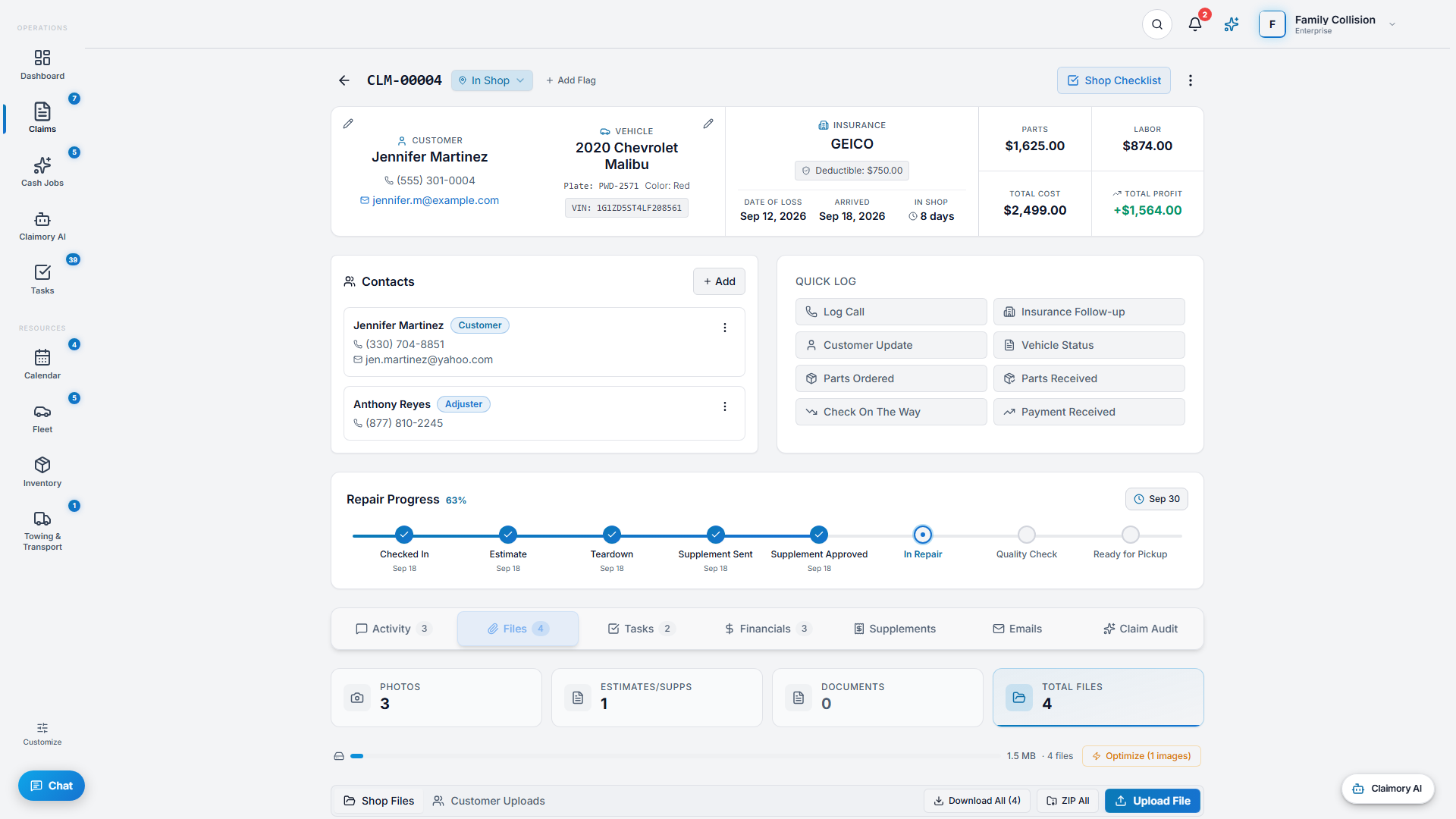
A fixed scan still has to reach the adjuster. In Claimory, the Files tab on each claim holds its teardown photos, carrier estimate and documents, and on Professional and up it emails the files you select to the adjuster, the customer or an attorney, with a copy to you and the send logged on the claim.
Claimory shrinks photos to fit under the 25MB a mail provider accepts and never re-encodes estimates or PDFs, and it strips the GPS location out of claim photos when they are uploaded.
Scan Rotator questions
What angles can the Scan Rotator turn a PDF?
The Claimory Scan Rotator turns a PDF by 90, 180 or 270 degrees. Use 180 for an upside-down scan and 90 or 270 for a sideways one.
Does rotating a scan lower its quality?
No. The Scan Rotator changes the rotation setting stored on each page of the PDF; it does not redraw or recompress the scanned image, so the text and photos stay as sharp as the original.
Can the Scan Rotator turn only one page?
No, it turns every page of the file by the same angle, which fixes the usual case of a whole scan coming out sideways. For a file with mixed pages, pull the sideways pages out with the PDF Page Extractor, rotate them, and merge the parts back with the Supplement Packet Builder.
What if some pages are already rotated?
The Scan Rotator adds your angle to each page's current rotation. A page already turned 90 degrees and rotated another 90 ends up at 180.
What file does the Scan Rotator give back?
A new PDF named after your file with rotated and the angle added, for example estimate-rotated-90.pdf. The original file on your computer is not changed. Each file can be up to 50 MB.
Stop fighting your scanner
Claimory keeps every scan, photo and estimate on the claim it belongs to, and on Professional and up emails them to the adjuster from the claim's Files tab. 14-day free trial. No credit card.
No credit card. Works with CCC ONE and Mitchell.