
Combine estimate, supplements, and photos into one carrier-ready packet
Claimory's free Supplement Packet Builder combines a body shop's estimate, supplements and photo PDFs into one PDF packet for the insurance adjuster. The Claimory tool needs no signup or email gate, and files never leave your browser. Select or drag your PDFs, reorder them, click build. The packet downloads to your computer.
How collision shops use this
A single PDF travels better than a chain of email attachments. The order shops tend to use: original estimate first, supplements in submission order, then any photo sheets at the end. Build the packet in that order, name it after the claim number, and attach to one email thread.
This tool runs entirely in your browser. No file ever uploads to a server. An MIT-licensed PDF library reads each input PDF in memory, copies the pages, and writes a new merged PDF to your downloads folder. The whole operation is local. No privacy review needed before using it on real claim files.
Let Claimory write the supplement package
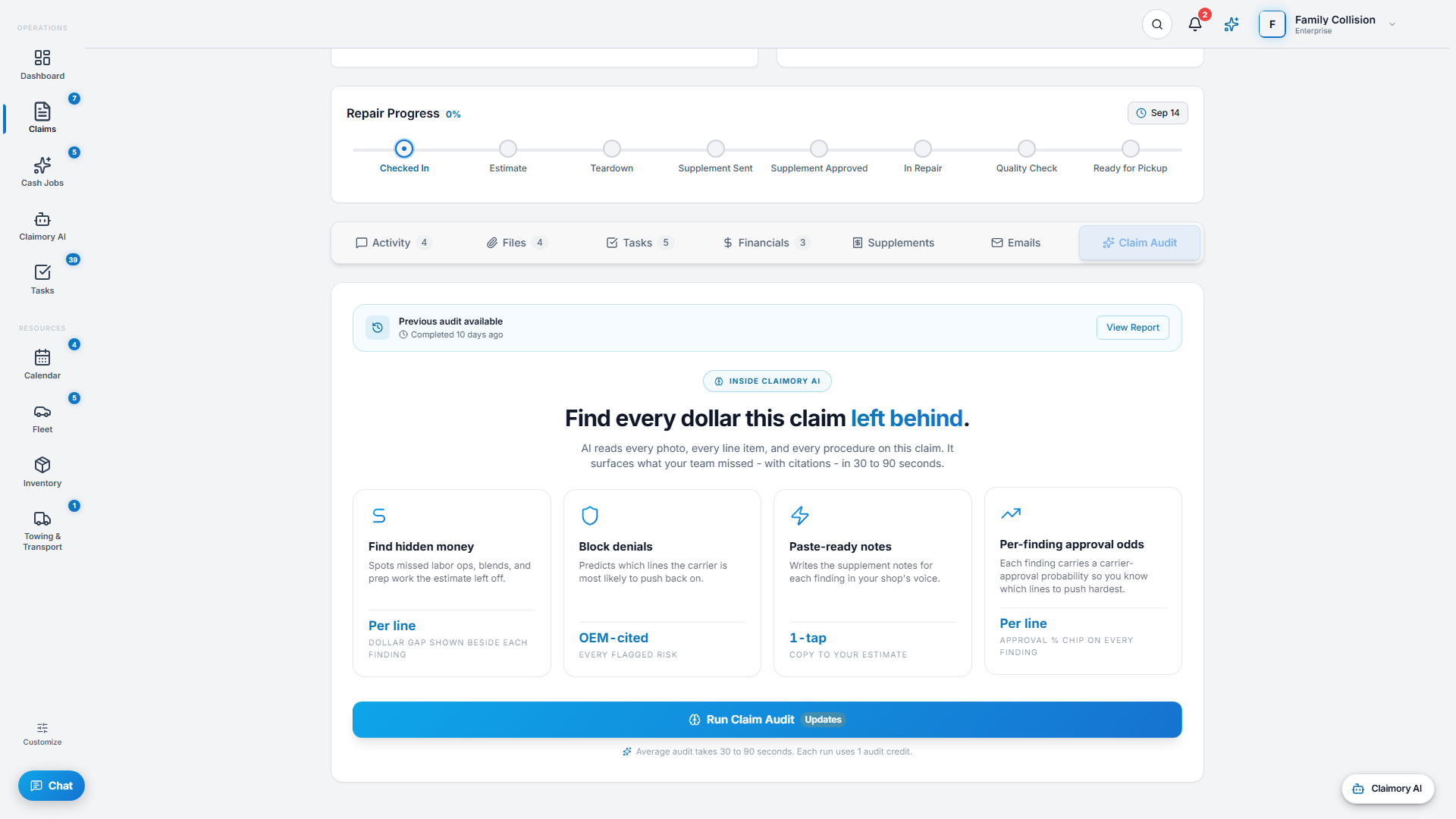
This tool stacks PDFs you already have. Inside Claimory, on Professional and up, the Claim Audit supplement package is one PDF built from the claim itself: a cover letter, each finding the shop ticks with its justification, the cited state law and OEM text with links, and the shop's own documents attached as exhibits.
The package is saved in the claim's Files under Documents, and Claim Audit never contacts the insurance carrier, so the body shop decides what goes to the adjuster.
Supplement Packet Builder questions
What does the Supplement Packet Builder make?
The Claimory Supplement Packet Builder merges the PDFs you add, such as the original estimate, each supplement and a photo sheet, into one PDF in the order you set with the up and down arrows. Every page of every file is copied in, and the result downloads as supplement-packet followed by the date.
Does the Supplement Packet Builder upload my files?
No. Each PDF is read in your browser, the merged PDF is built in your browser, and it downloads to your computer. Closing the tab clears the files from the page.
Can I add photos or Word files to a supplement packet?
PDFs only. Turn JPG photos into a PDF first (most phones can save photos as a PDF from the share or print menu), then add that PDF to the packet.
How large can a supplement packet be?
Each file can be up to 50 MB, and there is no limit on how many files you add. Very large packets use more of your computer's memory, so a slow build means it is worth splitting the packet in two.
In what order should a supplement packet go to the adjuster?
A common order is the original estimate first, then each supplement in the order it was submitted, then photos and supporting documents. Name the file after the claim number and send it on the claim's existing email thread so the adjuster has one file to open.
Stop building packets by hand
Claimory keeps every supplement, photo and document on the claim, and Claim Audit turns its findings into one supplement package PDF with a cover letter. 14-day free trial. No credit card.
No credit card. Works with CCC ONE and Mitchell.