
Add a tool from the Marketplace
Every add-on in the Claimory Marketplace is free. Tools are added for the whole shop by an owner or manager. Widgets are added by each person to their own dashboard.
- 4 min read
- Professional and up
- Owner, Manager
What you get
- The tools your shop needs, in the menu for everyone
- More widgets on your own dashboard
- A menu that shows only what you use
Before you start
- Professional or Elite, or a free trial. Some tools come with Elite, and the Marketplace marks each one.
- Owner or manager to add a tool for the shop. Anyone can add a widget for themselves or ask the owner for a tool.
Step by step
0 done of 8 steps
Add a tool or widget
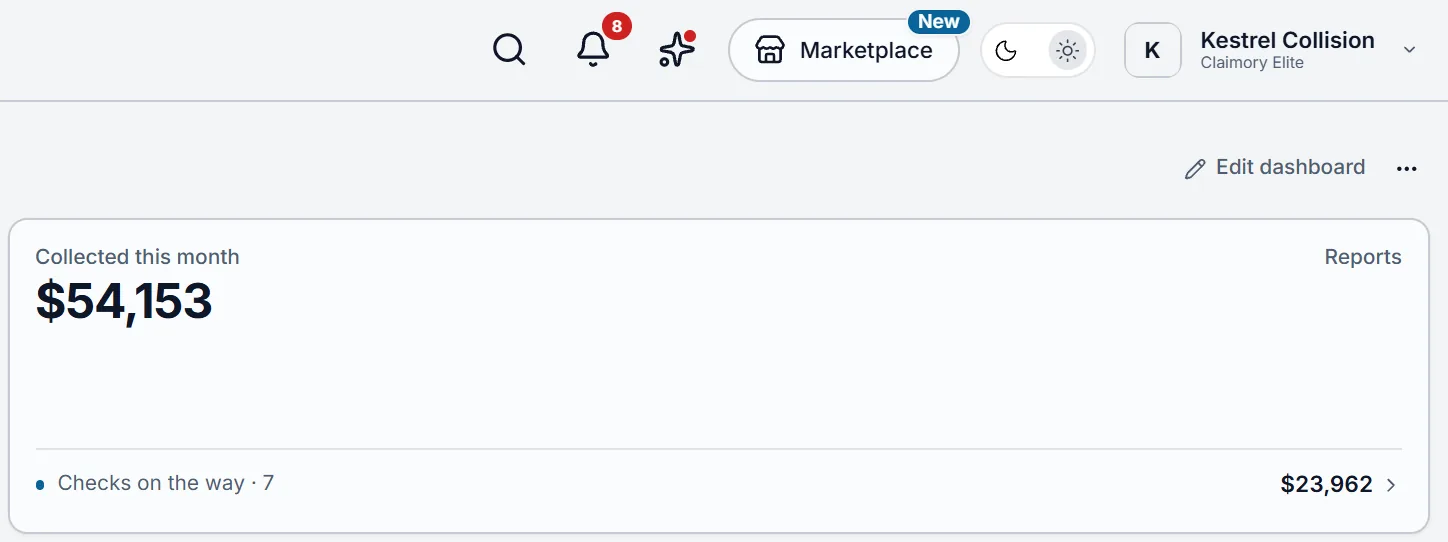
Open the Marketplace
Press Marketplace in the top bar. On a phone, press More and then Marketplace.
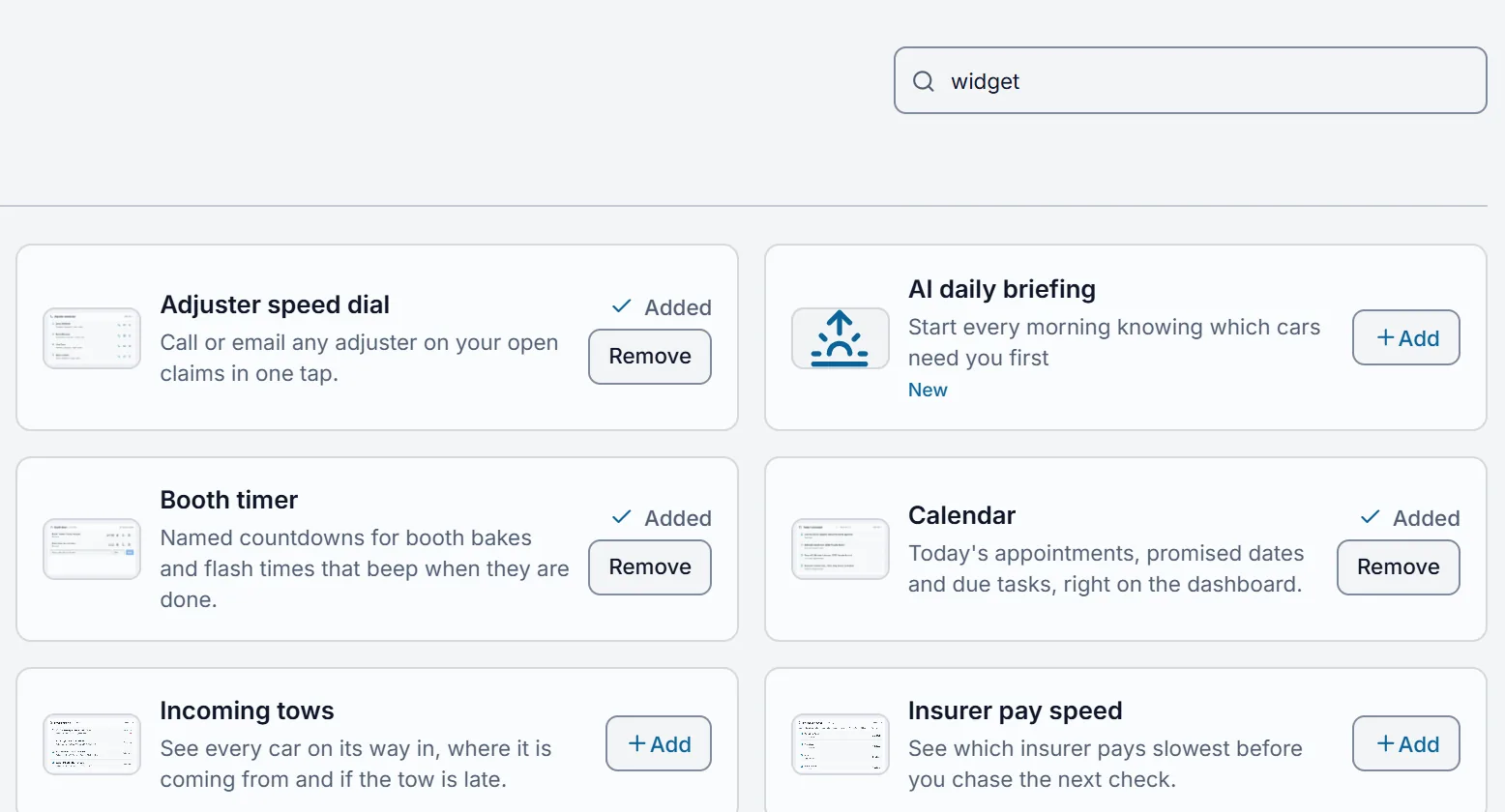
Find the add-on
Type in Search add-ons, or pick a category. Sort by Popular, Newest or A to Z.
Press / to jump to the search box.
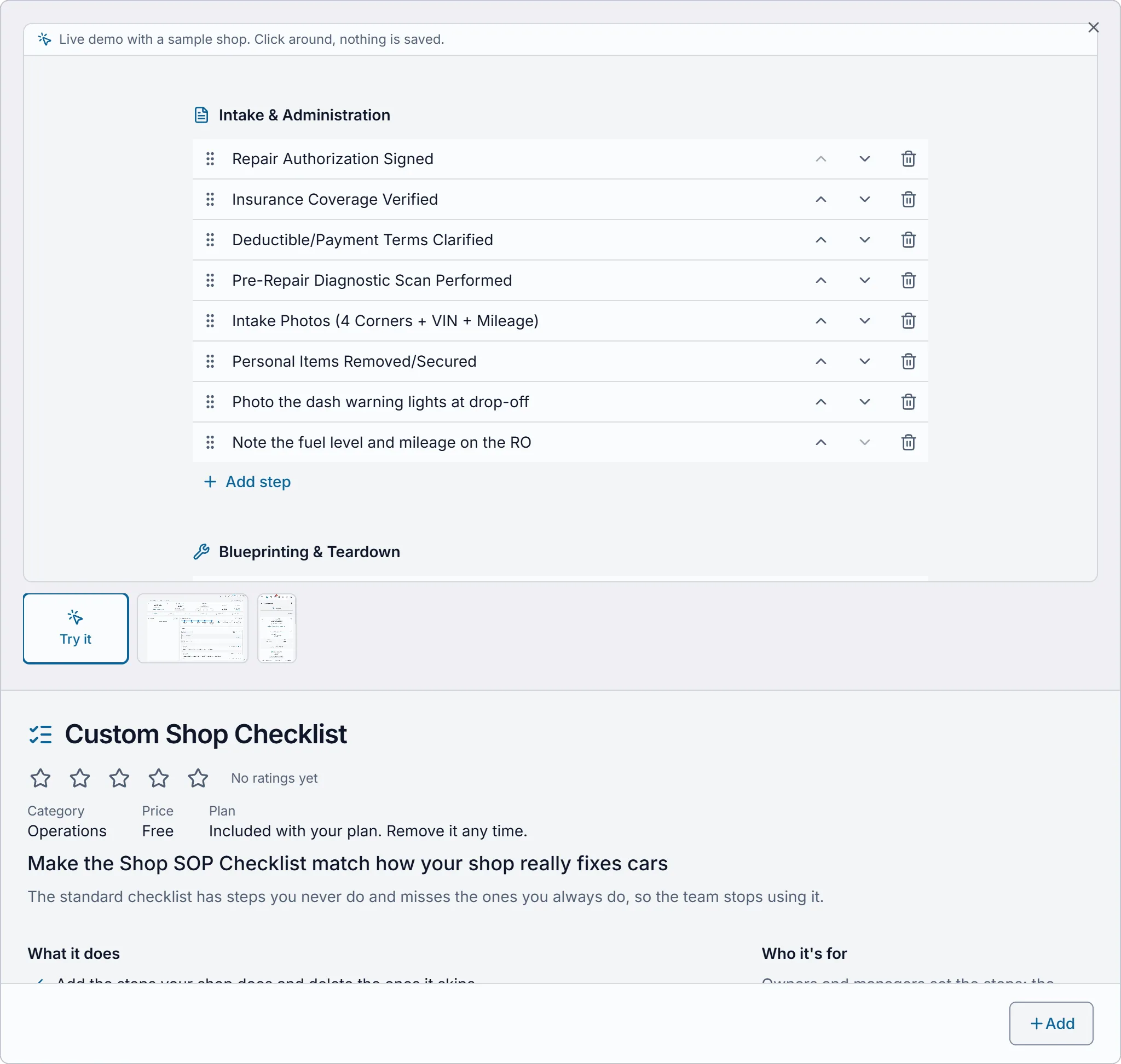
Open it and read what it does
Press the add-on. The page shows what it does, how it works, where it shows up in Claimory and anything it needs.
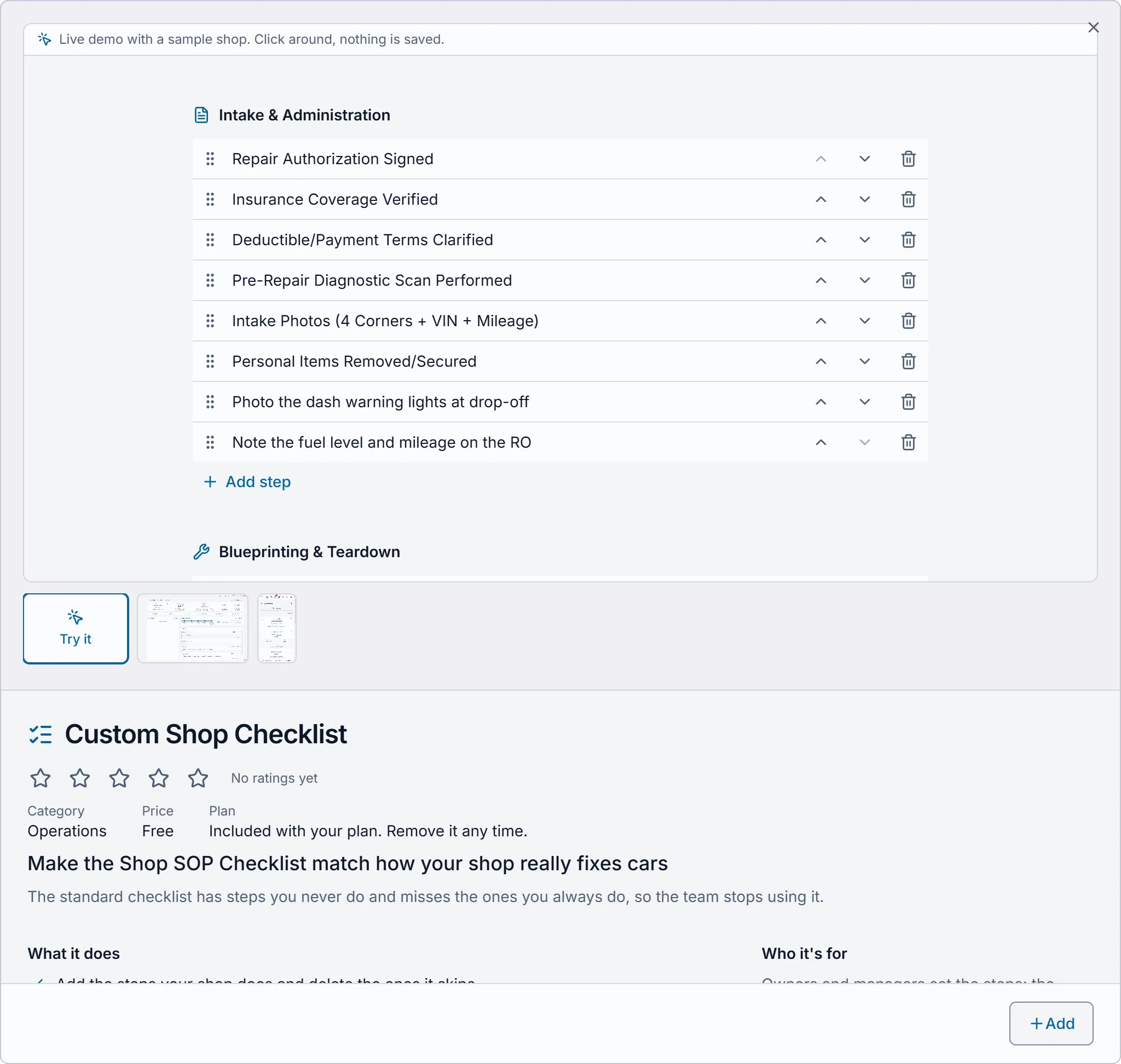
Press Add
Press Add. When Claimory says it is added, press Show me to go straight to it.
- Add both appears when an add-on works with another one. Press it to add the two together.
- Time Clock opens its setup page first.
- Parts Hold and Delivery Sign-off start right away for everyone, so Claimory asks first. Press Add it.
- Classic lists asks before it switches your lists. Press Switch to Classic lists or Keep New lists.
Manage what you have
See what your shop has
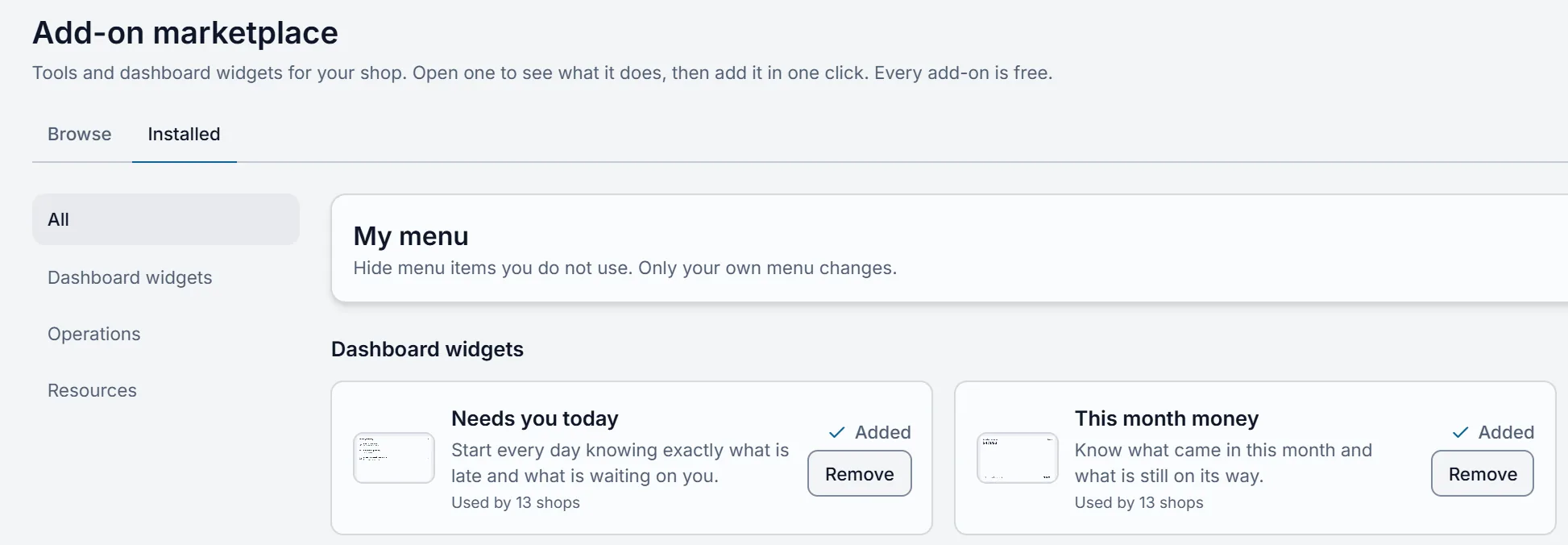
Press Installed at the top of the Marketplace.
Remove an add-on
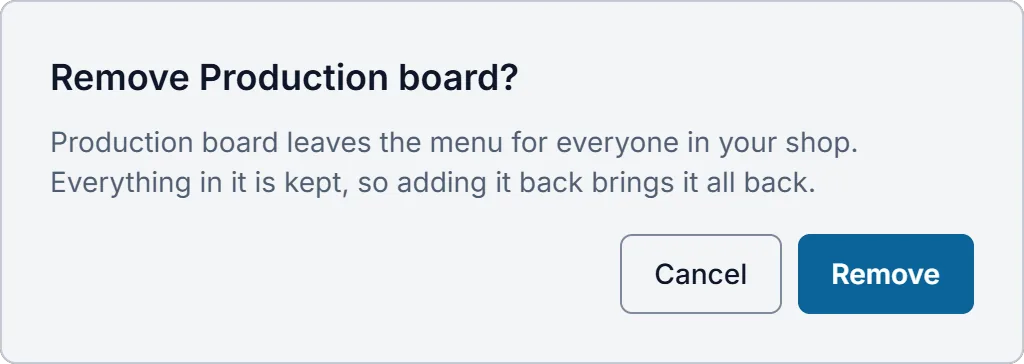
Open it, press Remove and confirm. A tool leaves the menu for everyone. Everything in it is kept, so adding it back brings it all back. A widget comes off your own dashboard.
Hide menu items for yourself
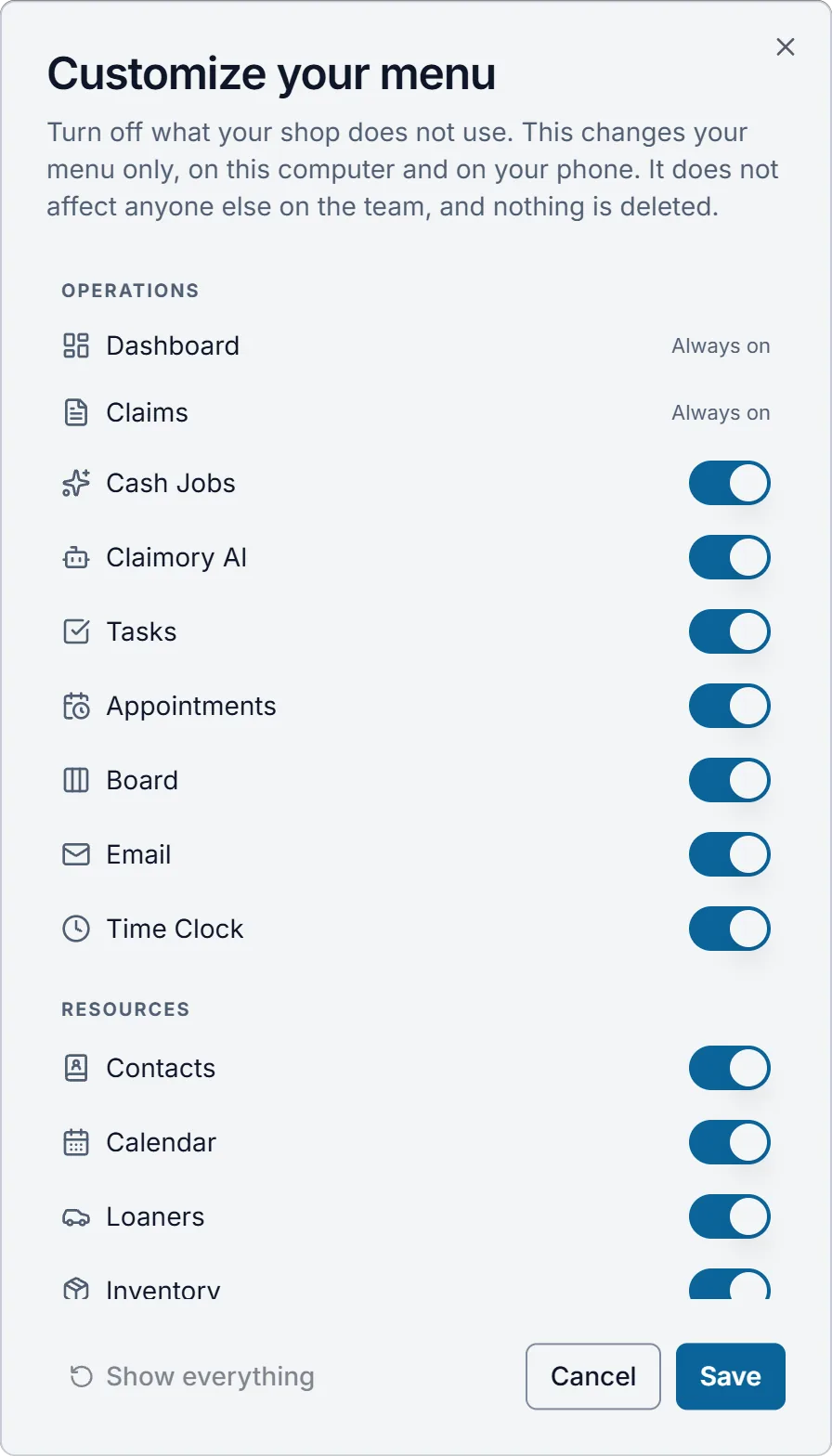
On Installed, find My menu and press Edit my menu. Switch off what you do not use and press Save. Only your own menu changes, on your computer and your phone.
Show everything switches all of them back on. Dashboard and Claims are always on.
Suggest an add-on
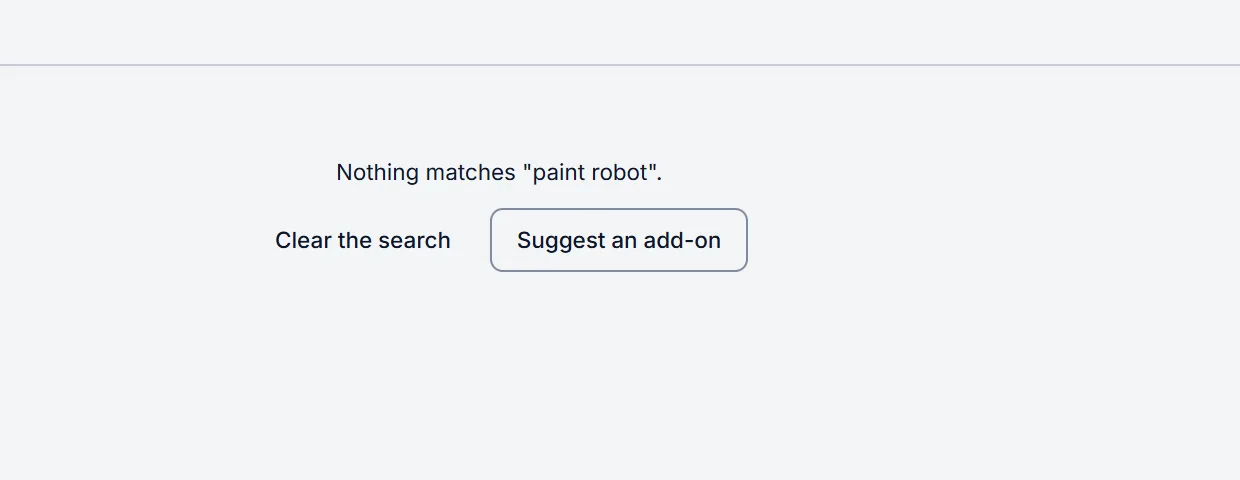
Search for what you want. When nothing matches, press Suggest an add-on, say what it should do and press Send. The Claimory team reads every idea.


Questions and fixes
Do add-ons cost extra?
Every add-on in the Claimory Marketplace is free. Your plan decides which ones you can add.
Which widgets come with Professional and the trial?
Claimory widgets on Professional and the trial include Needs you today, This month money, Number tiles, My tasks, Recent claims, Recent payments, Recent emails, Recent estimates, Activity feed, Calendar, Supplements, Claims by stage, Backorders, Pinned notes, Pickups today, Who owes us, Days in shop, Loaners out, Adjuster speed dial, Incoming tows, VIN decoder, Booth timer, Quick lookup, Recall check, Shop calculator, AI daily briefing and Not billed yet.
Where are Open claims, Cash jobs and Completed?
Number tiles is the Claimory widget for single numbers: Open claims, Cash jobs, Open tasks, Loaner cars out, Active tows and Completed. Add Number tiles and pick the ones you want.
Which widgets come with Elite?
Claimory widgets on Elite include Team status, Storage fee clock, Insurer pay speed, Tech time clock, Shop floor map, Rental day clock, Sublet tracker, Parts returns due and Predicted finish dates. AI picks the technician is Elite too. ADAS calibrations comes with ADAS Coordination, and Comebacks with Warranty and Comebacks.
Which widgets use AI or the money and parts tools?
In Claimory, AI daily briefing writes a short morning summary, Predicted finish dates shows which cars may miss their date, AI picks the technician suggests a tech and you decide, Parts returns due lists returns, and Not billed yet shows money earned and not billed.
What happened to the dashboard packs?
Claimory packs are now Starting layouts on Elite: Front office, Insurance work, Financial, Production, Tow shop and Estimator. Press Edit dashboard, then New tab, and pick one. Remove the tab to take the layout off.
Can I rate an add-on?
Yes. Once an add-on is added in Claimory, open its page and press Write a review.
The marketplace is available on Professional and up
Your shop is on Starter. Press See plans and choose Professional or higher. Your Claimory dashboard still moves, resizes and adds its essential widgets on every plan.
The button says Ask your owner
Owners and managers add Claimory tools for the shop. Press Ask owner, or tell your owner or manager the add-on's name.
The button says Upgrade to unlock
The Claimory add-on on that page comes with Elite. An owner or manager presses Upgrade to open Billing and picks Elite. The add-on is ready as soon as the plan is.
The button says Coming to Professional
The Claimory add-on is on Elite today and reaches Professional later. Add it now by moving the shop to Elite in Billing.
The add-on says it needs another one
Press Add both on the Claimory add-on page and both are added together. AI picks the technician, for example, works from Team Skills.
Nothing matches my search
Press Clear the search in the Claimory Marketplace and pick a category, or type one word from the add-on's name.
The idea did not send. Try again in a moment.
Wait a moment and press Send again on your Claimory suggestion.
Webhooks is an add-on from the Marketplace
An owner or manager presses Add it from the Marketplace. Claimory webhooks you already set up start sending again once it is added. Webhooks comes with Elite.
What to do next
- Every Marketplace toolCompare every tool in the Claimory Marketplace: what each one does, where it shows up after you add it, and whether it needs Professional or Elite.
- Your dashboardArrange your Claimory dashboard: add, move and resize widgets, add tabs, show it on a shop TV, and give your whole team the same starting layout.
- Plans and billingChoose a Claimory plan, move from your free trial to paid, change plans, fix a failed card, find invoices, cancel or restart your subscription.
- Still stuck?Open the Support Center to find the fix or write to a person.