
Your data and who can see it
Your shop's data belongs to your shop. Only people you invite can open it, each role sees its part, and you can take a copy with you any day.
- 4 min read
- All plans
- Owner, Manager
What you get
- Control over who opens your shop and what each person sees
- A copy of your data, on every plan
- Plain answers for a customer, a carrier or a DRP review
Before you start
- Any role can download their data and protect their own login.
- Owner or manager to invite people, change roles and open Settings.
Step by step
0 done of 6 steps
Control who gets in
Check who is on your team
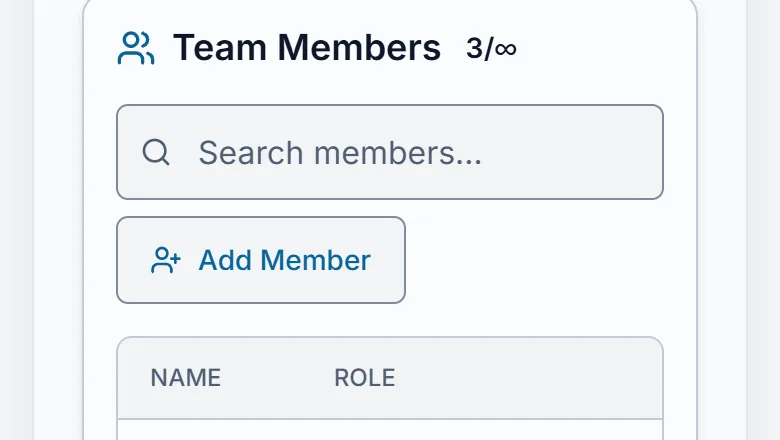
Open Settings, Team Management. Everyone listed can sign in to your shop. Remove anyone who has left.
Give each person the right role
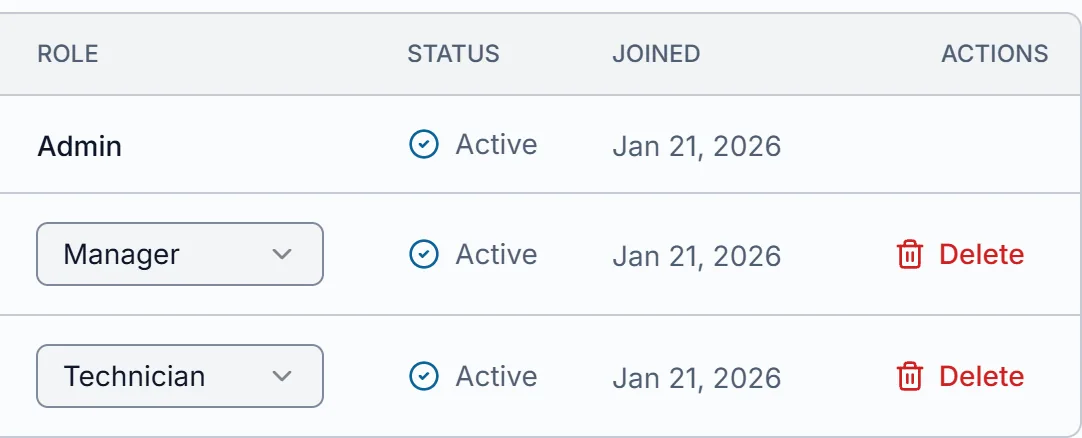
A role decides what a person sees: claims, money, settings or only their own work. Change a role in Team Management.
Technicians work from their assigned jobs. Money and Settings stay with the roles you choose.
Add a second step to your login
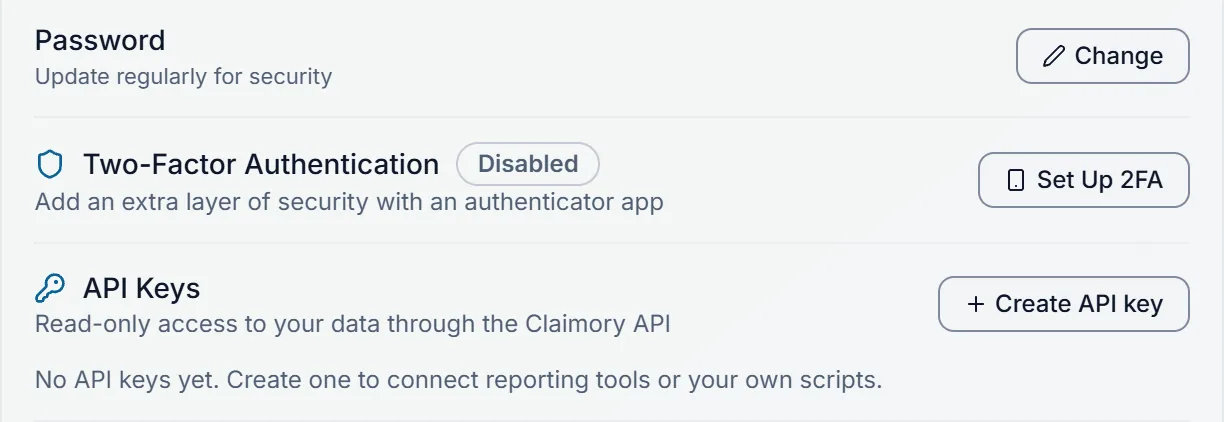
Open Account, Security and press Set Up 2FA. Ask each manager to do the same on their own account.
Sign out a device you lost
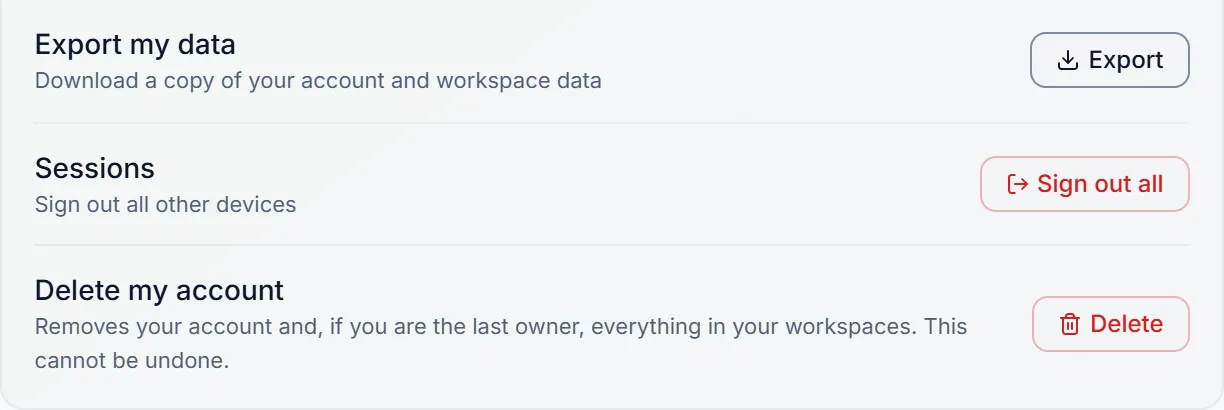
Open Account, Security, Sessions and press Sign out all. Then change your password.
See and take your data
See what happened on a claim
Open the claim and read Activity. It shows notes with who wrote them and when, plus estimates, Claim Audits, supplements and portal links.
For a DRP review or a carrier audit, email support@claimory.io. Claimory keeps a log of when a claim was created, changed status or was archived, and which signed-in person did it, and support can pull it for you.
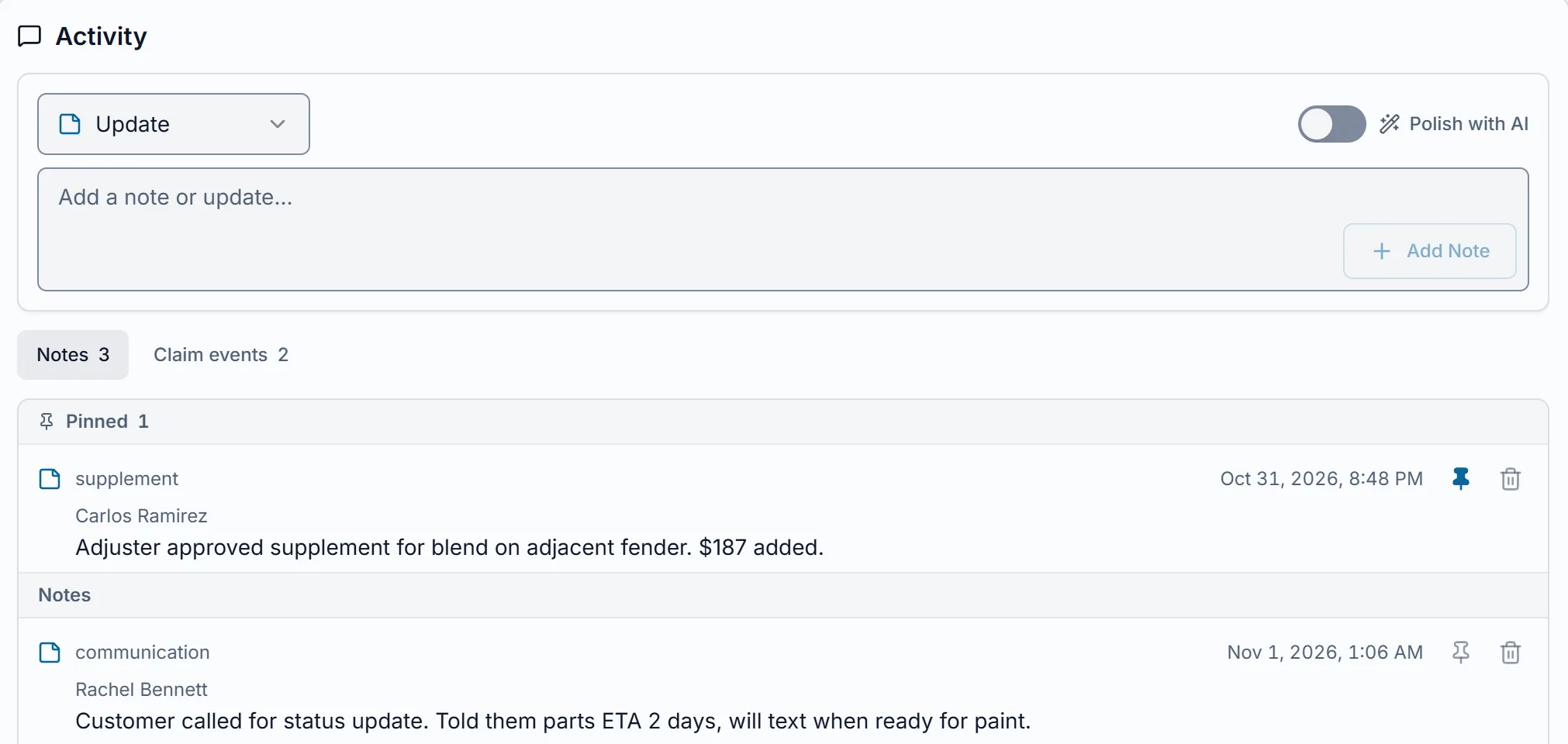
Download a copy of your data
Open Account, Security, find Export my data and press Export. The file holds your account and workspace data, on every plan.
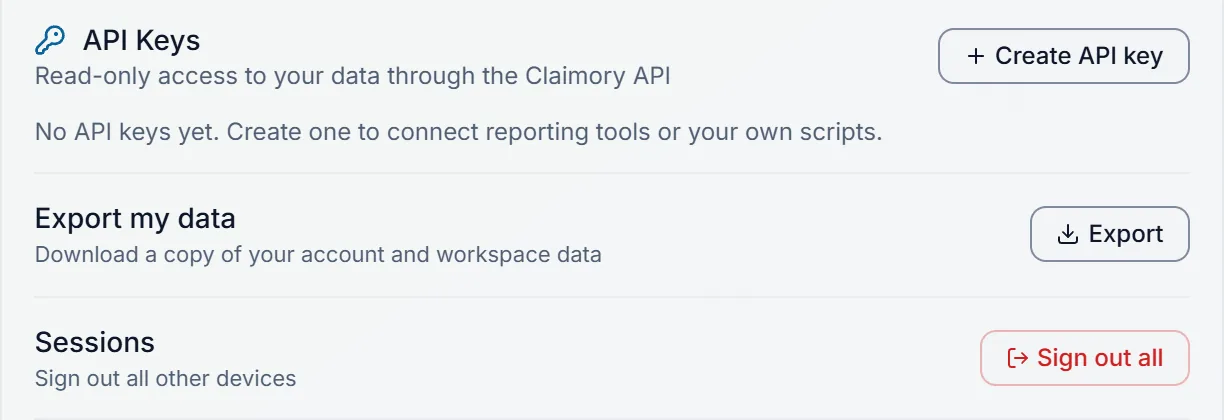


Questions and fixes
What does Claimory keep on a claim?
A Claimory claim keeps the customer's contact details, the car with VIN and mileage, the carrier and policy details, the repair stage, estimate amounts, notes and messages, uploaded files and photos, and the claim's activity.
How is my data protected?
Claimory encrypts data in transit with TLS 1.2 or newer and stores claim data, photos, documents and backups encrypted at rest with AES-256. Roles control access inside your shop. Claimory never sells, rents or trades your data.
Who can open my shop's data?
Only people invited to your Claimory workspace, each with a role, can open your shop's data. One shop is blocked from another shop's data. Claimory staff access is limited and logged.
Is my customers' information safe?
Claimory protects customer information with the same encryption and roles as the rest of your data, and only your team can open it. A customer sees their own repair on the repair page your shop shares.
Where is my data stored?
Claimory data is stored in the United States, in encrypted databases and file storage with automated daily backups.
Does Claimory follow data privacy rules?
Claimory uses role-based access, encryption, a log of key actions and secure sign-in, and the service providers it uses are named in the Privacy Policy. A SOC 2 Type II audit is planned.
Is my claim data used to train AI?
Your claim data never trains Claimory's AI models. Claimory AI conversations and Claim Audit reports are saved in your workspace and deleted with it.
What happens to my data if I leave?
Claimory keeps your shop's data for 90 days after you cancel, then deletes it. Download your copy any time with Export my data.
Export failed
Press Export again in Claimory, Account, Security. If it repeats, email support@claimory.io.
Someone who left can still sign in
Open Settings, Team Management in Claimory and remove that person. Their access to your shop ends with it.
I need to see who changed a claim
Read Activity on the Claimory claim first. For status changes and archiving, email support@claimory.io and support pulls the log.
What to do next
- Roles and permissionsSet what managers, estimators and technicians can see and do in Claimory, change a person's role, and learn what each role starts with on every plan.
- Two-step verificationTurn on two-step verification for your Claimory login, sign in with a 6-digit code, and know what to press if your phone is ever lost or replaced.
- Your accountSet your name, password, language, date format and theme in Claimory, sign out of every device, download your data, or delete your account for good.
- Still stuck?Open the Support Center to find the fix or write to a person.