
Connect your own tools with API keys and webhooks
An API key lets your own tool read claims from Claimory. A webhook has Claimory tell your tool when something changes.
- 4 min read
- Elite
- Owner, Manager
What you get
- Read-only claims data for a report or a script
- A message to your app when a claim's status changes or a payment is recorded
- Keys and webhooks you can turn off at any time
Before you start
- API keys: the Elite plan and a member of your shop.
- Webhooks: the Elite plan, the Webhooks add-on from the Marketplace, and the owner or manager role.
- For a webhook, the https:// address from the other app.
Step by step
0 done of 7 steps
API keys
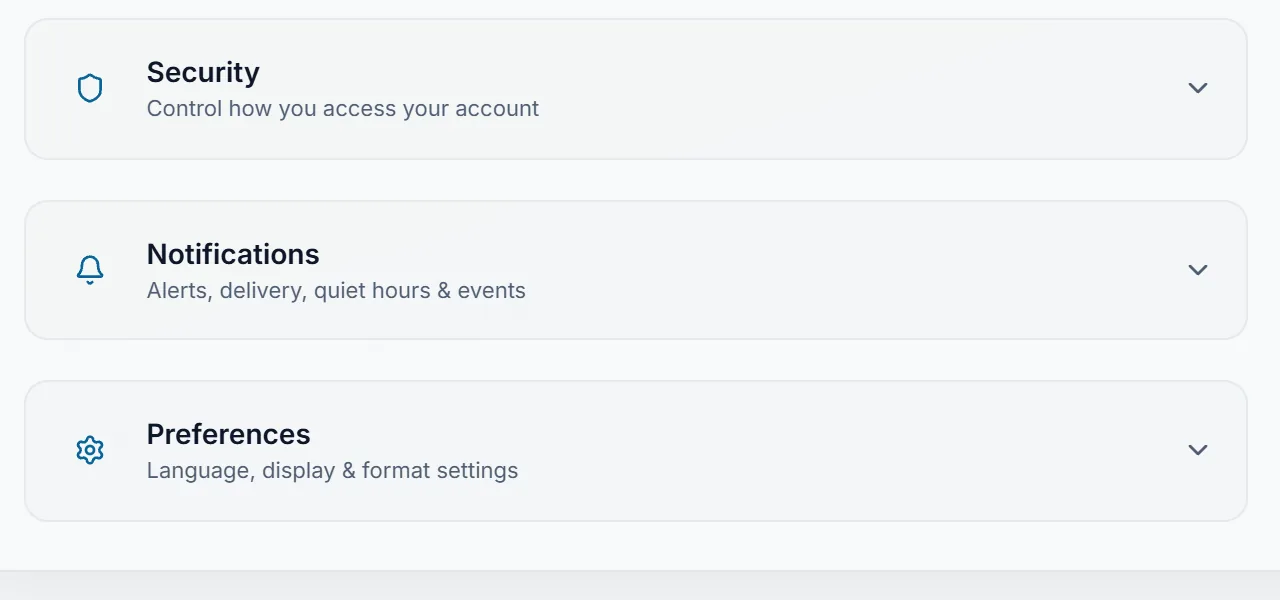
Open Account, then Security
Press your shop's name in the top right corner, then Account, then Security. Scroll to API Keys.
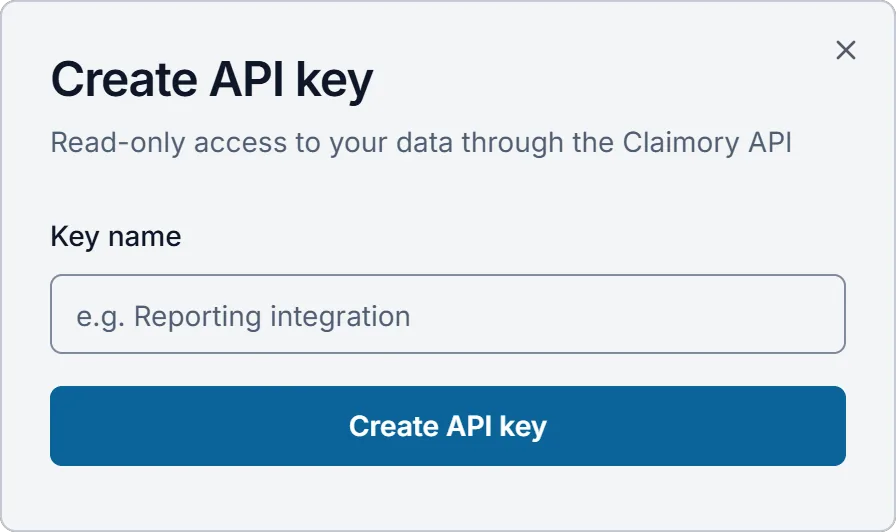
Press Create API key
Type a Key name, such as Reporting integration, and create the key.
Press Copy key right away
Claimory shows the whole key once. Paste it where your tool asks for it, then press Done. The list shows when each key was made and last used.
Webhooks
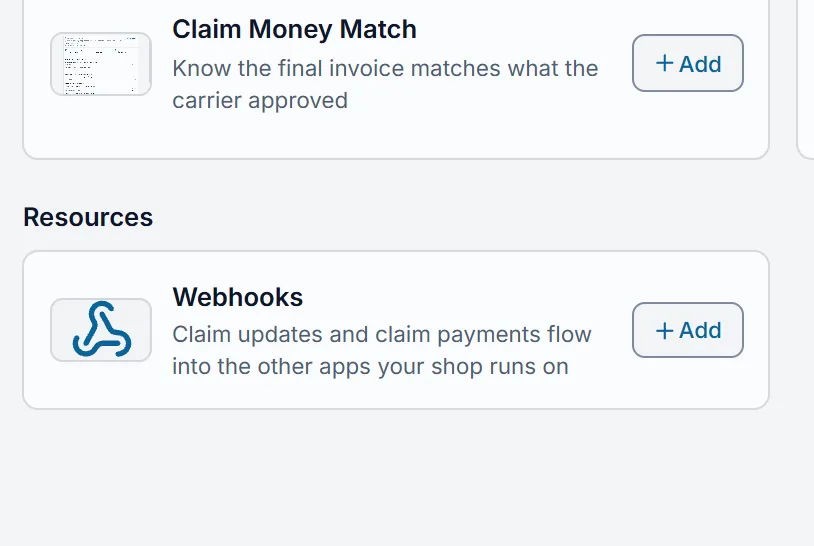
Add Webhooks from the Marketplace
Open Marketplace, find Webhooks and press Add. Webhooks then shows in Settings, Integrations.
Press New webhook
Open Settings, Integrations and press New webhook. Paste the Web address your other app gave you, starting with https://. Pick Claim status changed, Claim payment recorded or both, then press Add webhook.
Copy the Signing secret
Claimory shows the Signing secret once. Copy it into your other app, then press Done.
Press Send test
The test usually goes out within a minute. Open Recent deliveries on the card and look for Delivered.


Questions and fixes
Is there a Claimory API?
Yes. Elite shops get a read-only REST API at https://claimory.io/api/v1. Make a key in Account, Security, and your tool can read your claims, up to 100 requests a minute for each key.
Which events can a Claimory webhook send?
Claim status changed and Claim payment recorded. Claimory keeps the customer's name, phone, email, address and VIN out of every webhook.
How do I get Claimory data into my accounting program?
Export your claims and financials to CSV or Excel, on Professional and up, and import the file in your accounting program. On Elite you can also pull claims through the read-only API. Email support@claimory.io for help with the first import.
Can I bring in claims from a spreadsheet or another shop system?
Yes. Email support@claimory.io with your file, with one column for each claim detail, and Claimory support helps you move customers, vehicles and basic claims. You can also upload estimates from CCC ONE, Mitchell and Audatex yourself on Professional and up.
Where does Claimory fit beside a general repair shop system?
Claimory is built for collision repair: insurance claims, supplements and talking to the carrier. Shops that also do mechanical work can keep the system they use for that and run their insurance work in Claimory.
Can I stop an API key or a webhook?
Yes. Press Revoke on an API key and it stops at once for good. Turn a webhook off with the switch on its card, or press Delete to remove it.
API access starts on Elite
Press the upgrade button in the API Keys section, or open Billing and choose Elite.
You can have up to 5 active keys. Revoke one to create another.
Press Revoke on a key you no longer use and confirm, then press Create API key.
I lost my API key
Each key shows once. Press Revoke on it, press Create API key and put the new key in your tool. The old key stops working as soon as you revoke it.
Webhooks is an add-on from the Marketplace
On Elite, open Marketplace, find Webhooks and press Add, then go back to Settings, Integrations.
Only an owner or manager can see and change your shop's webhooks
Ask your owner or a manager to add or change the webhook.
Claimory turned this webhook off because it kept failing for about a day
Check the web address, turn the webhook back on with its switch, then press Send test. Events from the time it was off stay unsent.
Failed: No answer in 10 seconds, Could not connect, or Address not found
Check that your app is running, the address is right, and your app answers with a 2xx code within 10 seconds. Claimory tries again after 1 minute, 5 minutes, 30 minutes, 2 hours and 12 hours.
What to do next
- Add a toolAdd free tools and dashboard widgets to Claimory from the Marketplace, see which plan each one needs, remove one safely, and hide menu items you skip.
- Data and securitySee what Claimory keeps on a claim, who in your shop can open it, how it is protected, and how to download a copy of your data on any plan you are on.
- Reports and exportsOpen your reports in Claimory, read cycle time and carrier performance, track expenses and payroll, and export files for your accountant.
- Still stuck?Open the Support Center to find the fix or write to a person.