
Keep everyone's number in Contacts
Contacts is your shop's one phone book. Every customer, adjuster, carrier and vendor is on it, with the claims they are part of.
- 5 min read
- All plans
- Owner, Manager, Front desk, Estimator, Technician
What you get
- One shared book the whole shop searches
- Every claim and cash job a person is on
- Lists for the people you call most, such as DRP adjusters
Before you start
- Contacts is on every plan.
- Anyone in the shop can add and edit a contact.
- Owners, admins and managers delete, restore and add from past claims.
Step by step
0 done of 10 steps
Find a person
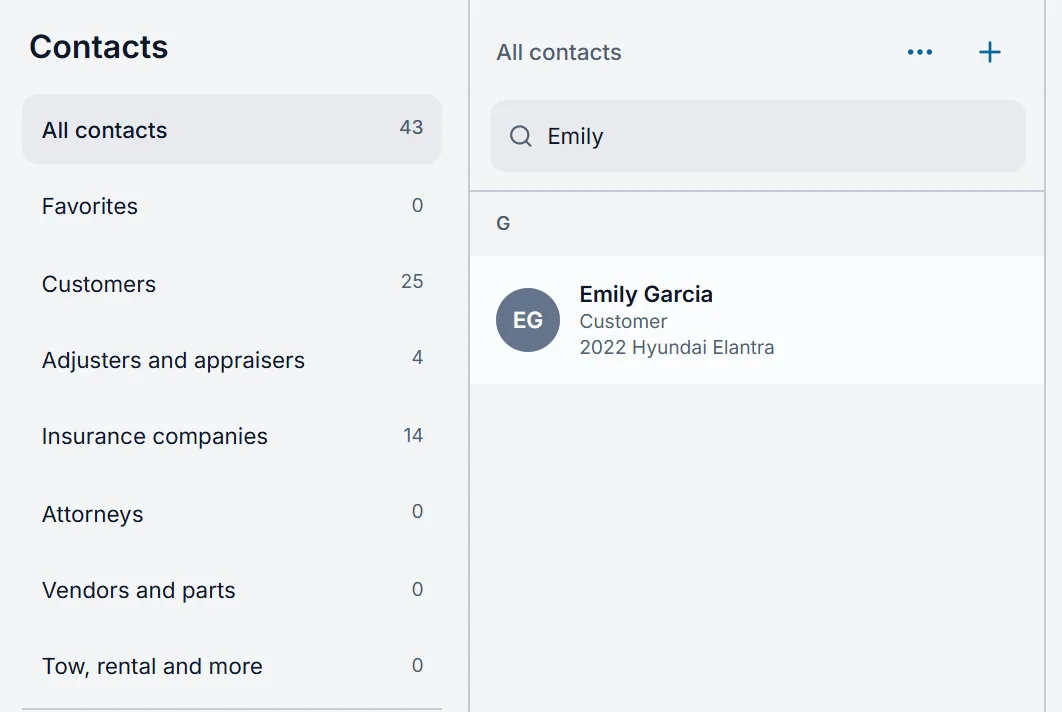
Open Contacts and type a name
Open Contacts in your menu (on a phone, tap More first). Type a name, a phone number, an email or a claim number in the search box.
On a computer, press / to jump to the search box and N to add a contact.
Narrow the list
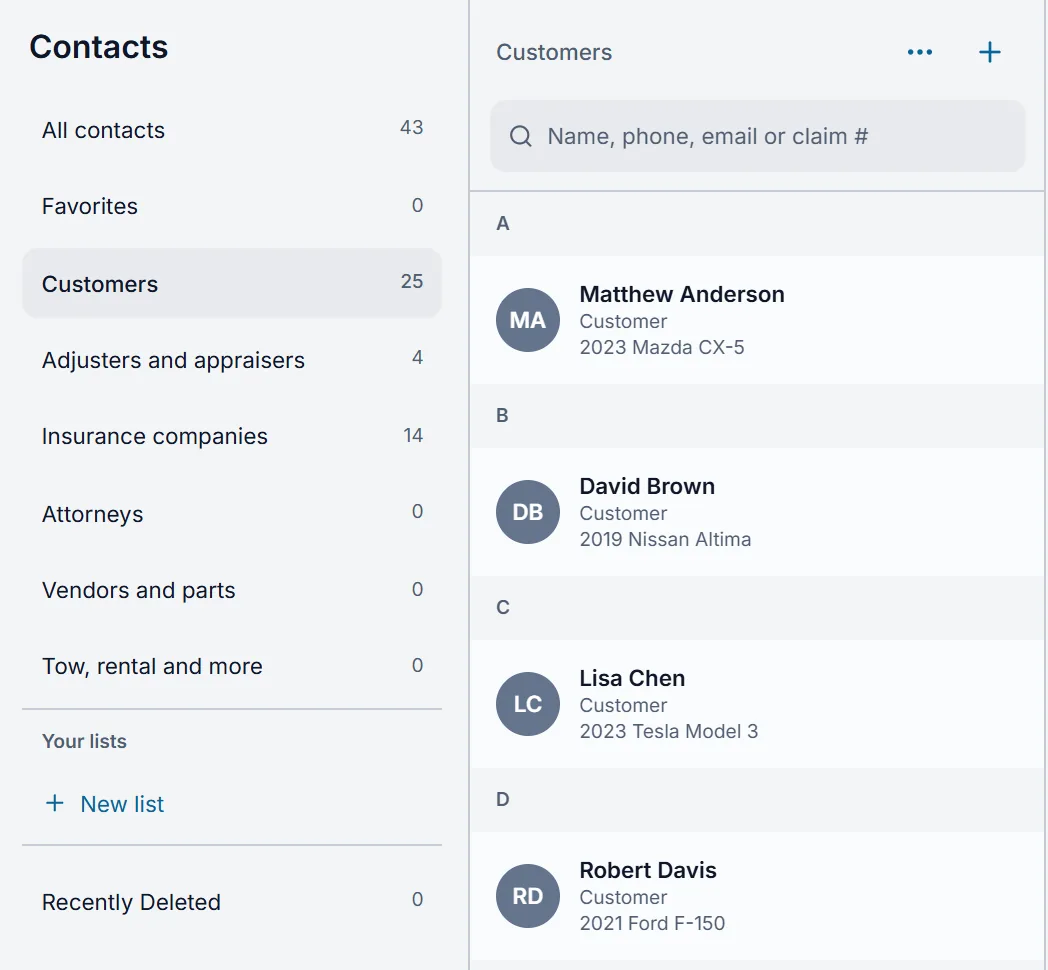
Press Customers, Adjusters and appraisers, Insurance companies, Attorneys, Vendors and parts, or Tow, rental and more. On a phone, swipe the buttons under the search box.
Call, email or open their claim
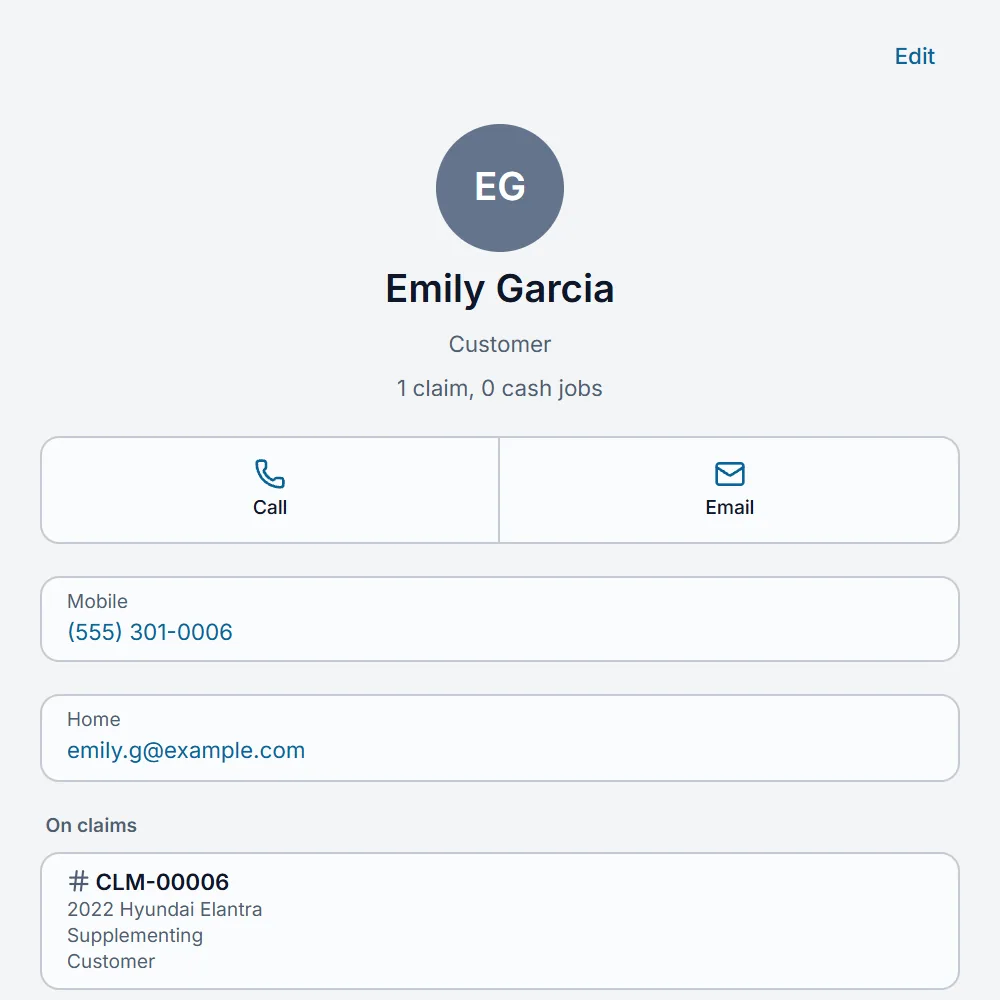
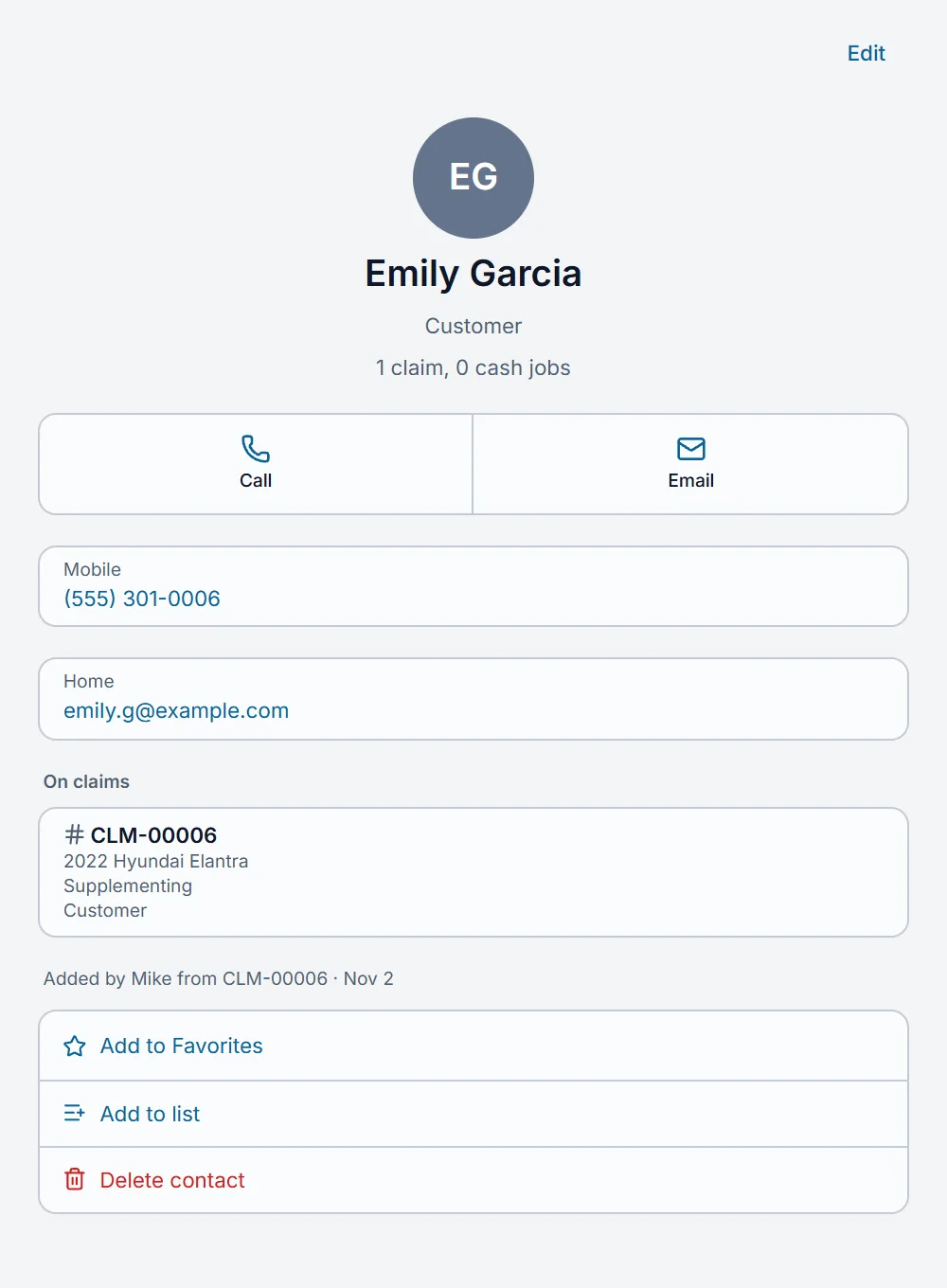
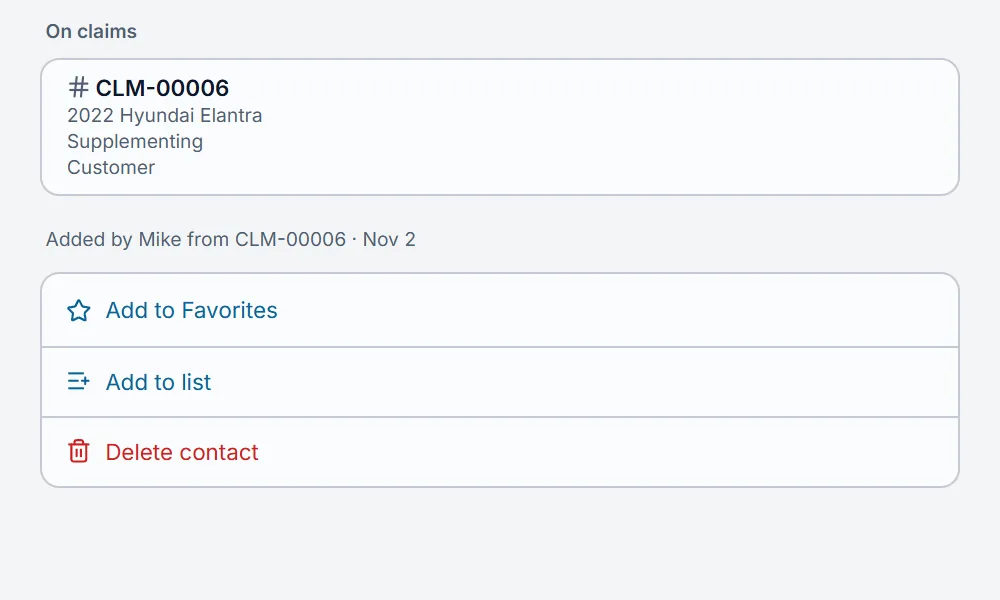
Press a name to open the card. Press Call or Email. Under On claims, press a claim or a cash job to open it.
Add people
Press + and fill in the card
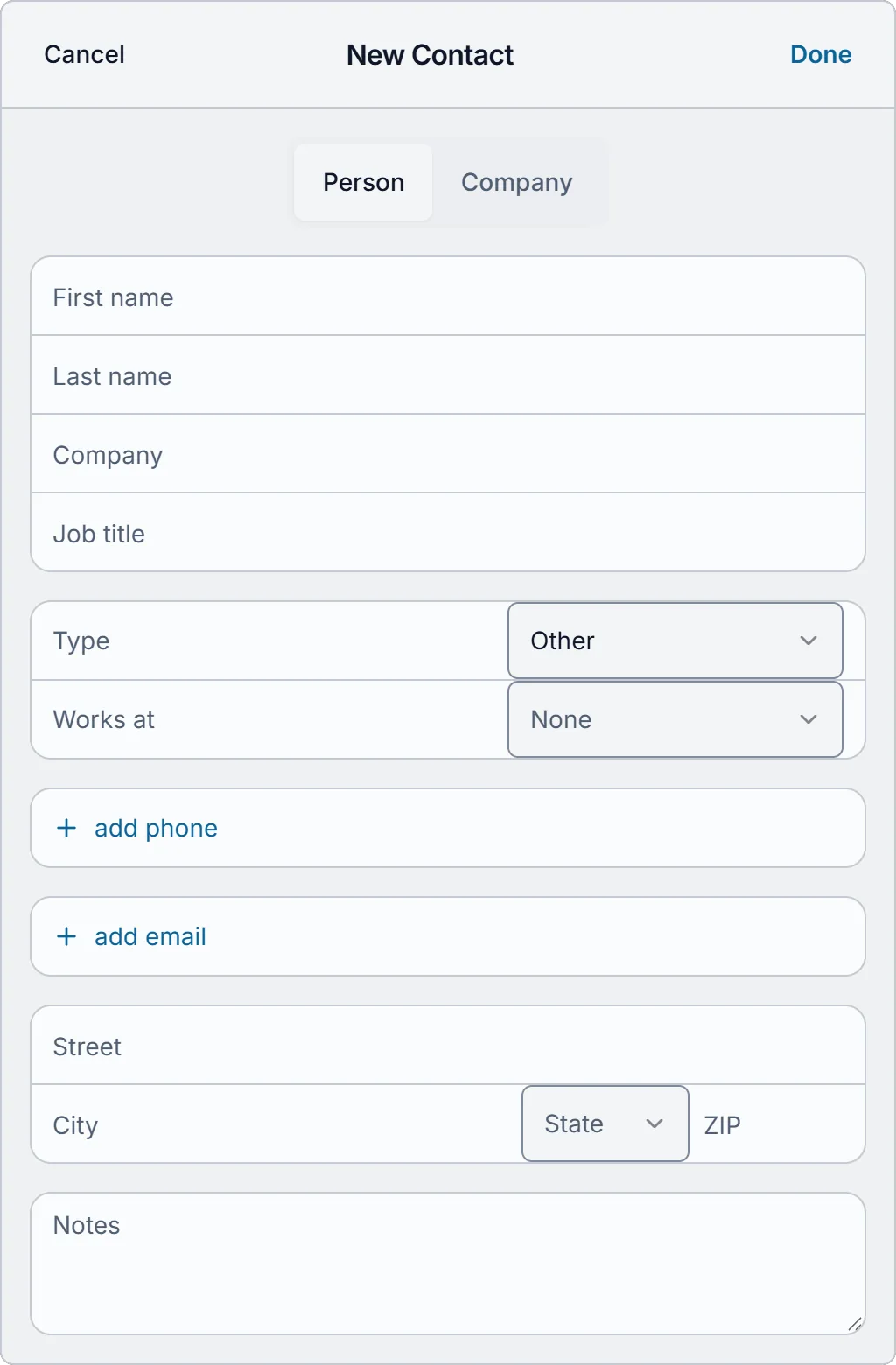
Press + at the top and pick Person or Company. Type the name, choose the Type, press add phone or add email, and press Done.
- Works at links a person to their company, such as an adjuster to the carrier.
- If the name is already in the book, press Same person to add to that card, or Different person to keep both.
Fix a card
Open the card and press Edit. Change the number, the email, the address or the notes, and press Done.
Save a customer from a claim
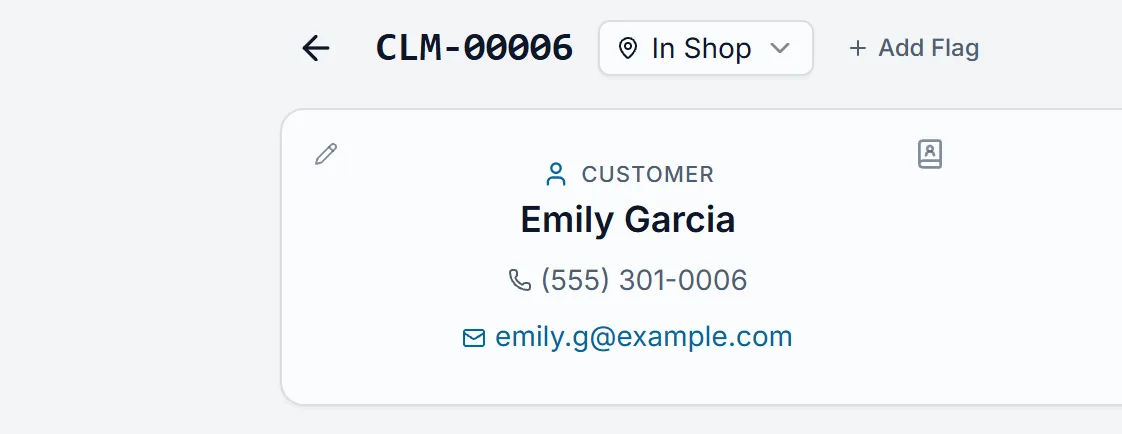
Open the claim or cash job. Press the small book icon in the corner of the customer's box to save them. Once they are saved, the same icon opens their card.
People you add in a claim's Contacts have Save to Contacts beside their name too.
Add everyone from past claims
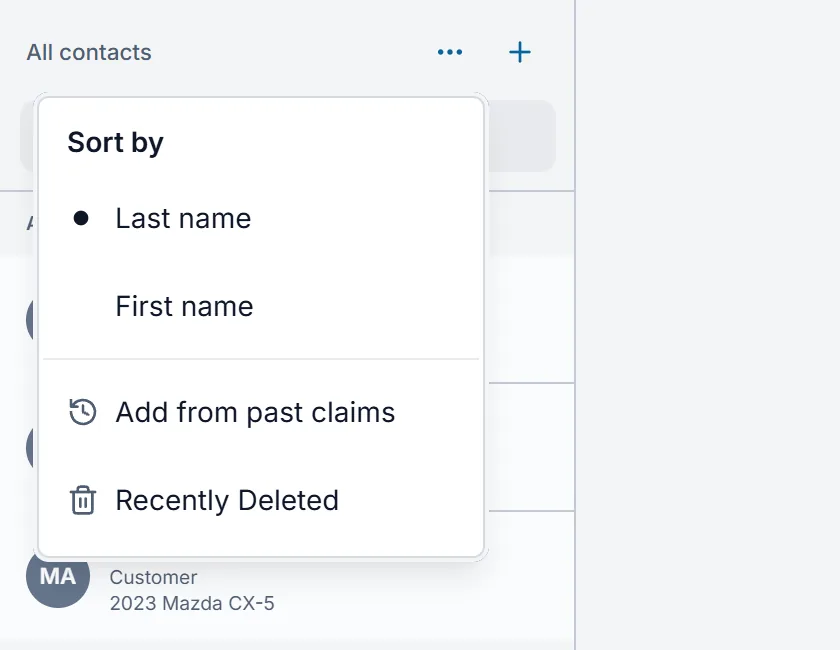
Owners, admins and managers press the three dots, then Add from past claims, then Add them. Claimory adds the customers and insurance companies from your claims and cash jobs.
- Nothing is overwritten. New numbers go beside the old ones, and empty details are filled in.
- Turn on Keep adding people from new claims automatically and the book fills itself.
Keep it tidy
Make a list your whole shop uses
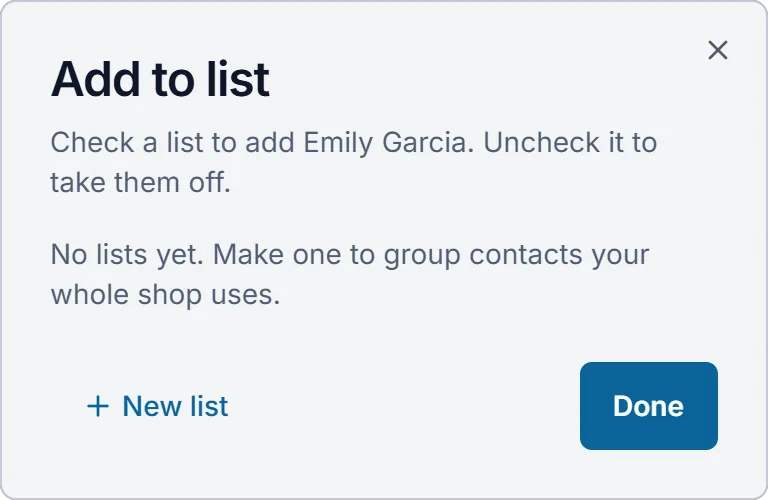
Open a card and press Add to list, then New list. Name it, such as DRP adjusters, and press Create list. Check or uncheck lists on any card.
Star the people you call most
Open a card and press Add to Favorites. Favorites are yours: their own list on a computer, a row at the top on a phone.
Delete a card, or bring it back
Owners, admins and managers press Delete contact, then Delete. To bring it back, open Recently Deleted and press Restore within 30 days.
On a phone, Recently Deleted is under the three dots.


Questions and fixes
What does Contacts do and how do I add it?
Claimory Contacts keeps customers, adjusters, insurance companies, attorneys and vendors in one shared book. It is on every plan, under Resources in the menu. If it is not there, an owner or manager presses Add on it in the Marketplace.
Does a new claim add the customer by itself?
Yes, once you turn it on. In Claimory Contacts press the three dots, Add from past claims, and turn on Keep adding people from new claims automatically. People with a phone number or an email go into the book.
Who can see our contacts?
Everyone who works in your Claimory shop sees the same Contacts book and the same lists. Favorites and the sort order are each person's own.
Can I sort by first name?
Yes. In Claimory Contacts press the three dots and pick First name or Last name. It is your own choice, on that device.
Does deleting a contact change my claims?
Your Claimory claims and cash jobs keep their own copy of the name and number. The card moves to Recently Deleted for 30 days.
How do I see every car a customer has brought in?
Open the customer's card in Claimory Contacts. On claims shows every claim and cash job they are on. Press Show all for the full history.
How do I keep an adjuster's number for the next claim?
In Claimory, save the adjuster from the claim's Contacts, or press + in Contacts, pick Adjuster as the Type, and choose the carrier in Works at.
I do not see Contacts in my menu
Press More on a phone, or look under Resources on a computer. In the Claimory Marketplace, open Installed, press Edit my menu and switch Contacts on. If it is not installed, an owner or manager presses Add.
Someone already has this number, or this email
Claimory found that number or email on another card. Press Open to see that card, or Save anyway if two people share it.
You already have a contact with this name. Same person?
Press Same person to add what you typed to the card you have. Press Different person to make a second card in Claimory Contacts.
Contacts did not load
Press Try again in Claimory. If it repeats, check your internet and reload the page.
This contact was deleted or is not in this shop
The card moved to Recently Deleted, or it belongs to another shop in Claimory. Switch shops, or ask an owner or manager to press Restore.
There is already a list with that name
Open the list that has the name and use it, or type a different name for the new Claimory list.
I do not see Delete contact or Add from past claims
Those two are for owners, admins and managers in Claimory. Ask one of them to do it.
Adding people stopped partway
Run Add from past claims again in Claimory Contacts. People it already added are not added twice.
The same person shows twice
Keep the card with the most claims, copy anything missing into it with Edit, and have an owner or manager delete the other one in Claimory Contacts.
What to do next
- Inside a claimRead a Claimory claim from top to bottom: the header, Overview, Tasks, Files, Financials, Supplements, Claim Audit, notes and the three-dot menu.
- AppointmentsLog calls, book leads, turn them into claims and run today's schedule in Claimory, and set up your booking page, website form and email leads.
- Adjusters and attorneysGive an adjuster a Claimory link to one claim, send a whole claim to the customer's attorney, and get supplement decisions back on the claim.
- Still stuck?Open the Support Center to find the fix or write to a person.