
Getting help and staying current
Search Help & Tutorials first for an answer in seconds. If a car is waiting, write a ticket marked as blocking work, or call.
- 3 min read
- All plans
- Owner, Manager, Front desk, Estimator, Technician
What you get
- An answer in the app, or a person who replies
- The next step for every error screen
- A short list of what changed
Before you start
- Every plan and every role.
- For a ticket: your shop name, the claim number, what you pressed and the words you saw.
Step by step
0 done of 6 steps
Find the answer
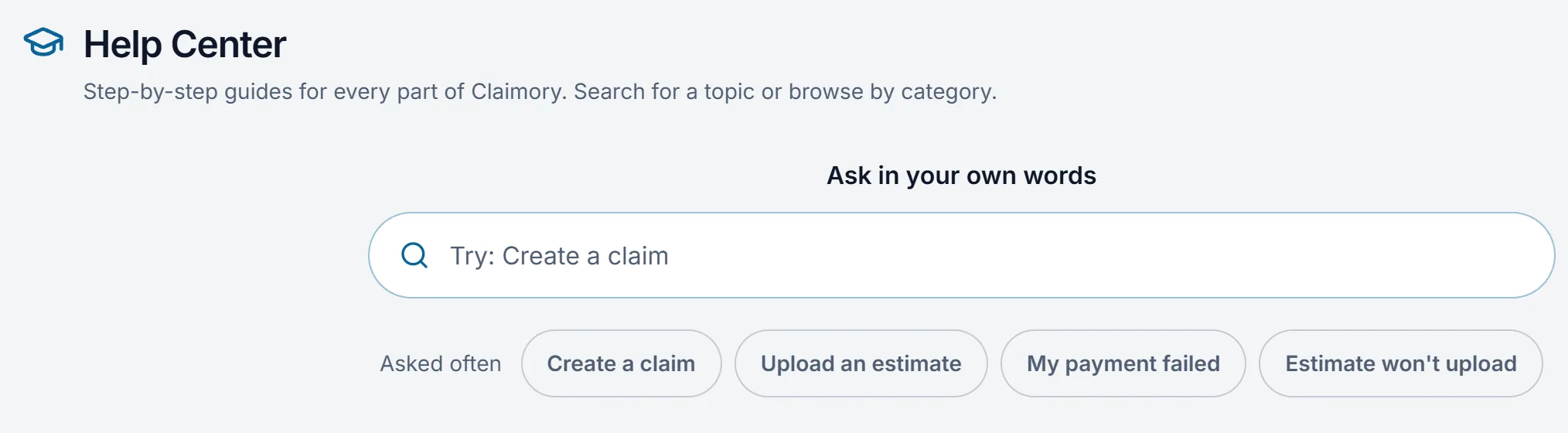
Open Help & Tutorials
Press your shop's name in the top right corner, then Help & Tutorials. Search in your own words, or pick a topic.
Reach a person
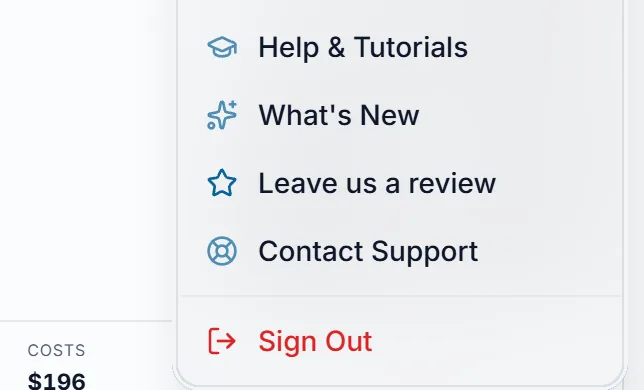
Press Contact Support
Open the account menu and press Contact Support. On a phone, press More, then Contact Support.
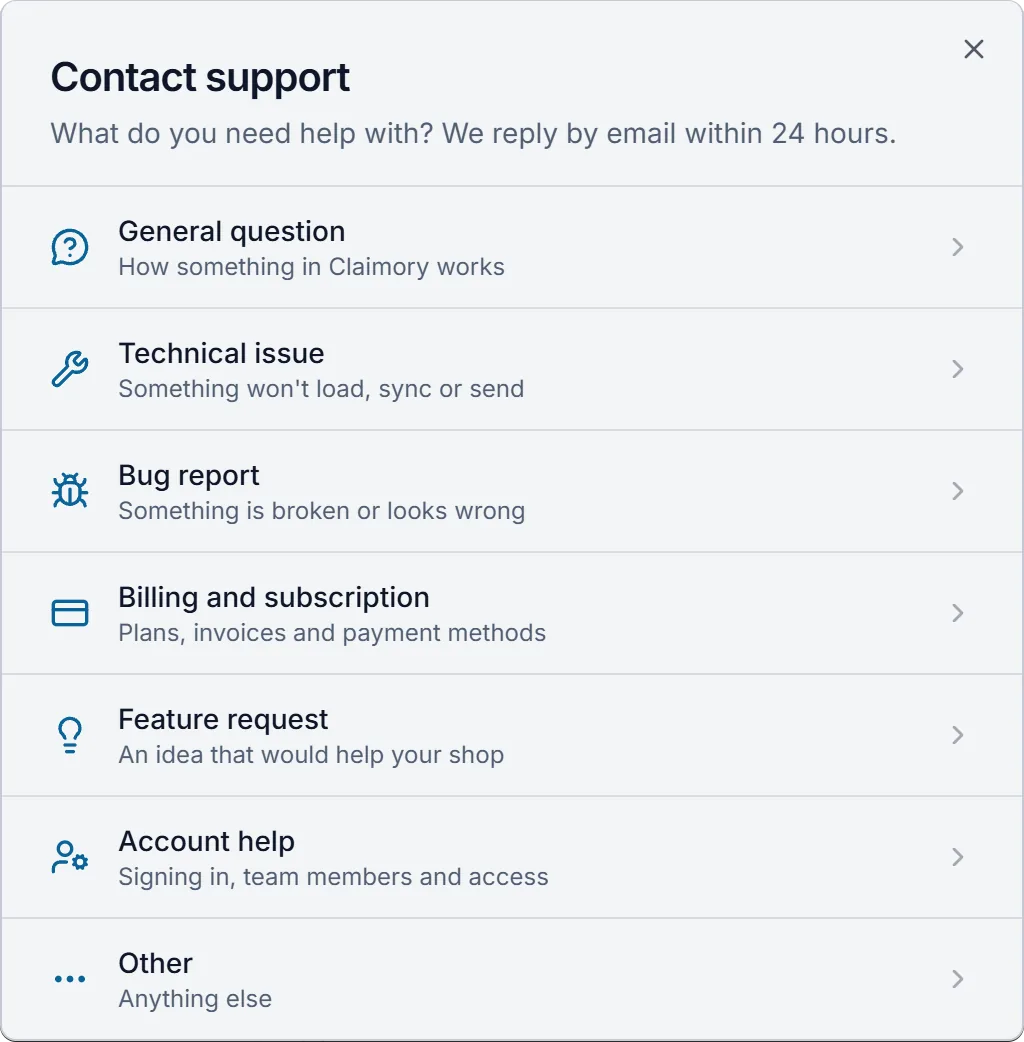
Pick a topic and write it down
Choose Technical issue, Billing and subscription, Bug report, Account help, Feature request, General question or Other. Say what happened, what you expected and how to get there.
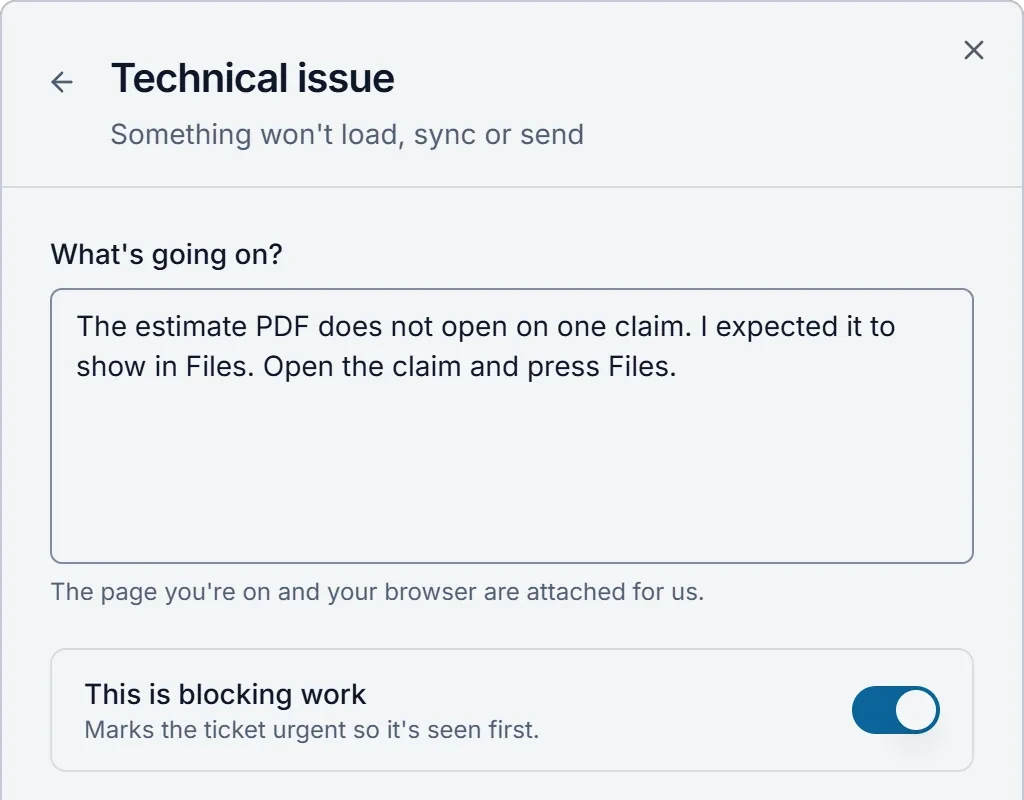
The page you are on and your browser are attached for you.
Press Send ticket
Turn on This is blocking work if cars are waiting, so the ticket is seen first. Press Send ticket. You get a ticket number that starts with SUP, and a reply by email within 24 hours.
Call or email instead
Call (810) 692-5246, Monday to Friday, 9 am to 6 pm Pacific. Email support@claimory.io any hour.
Stay current
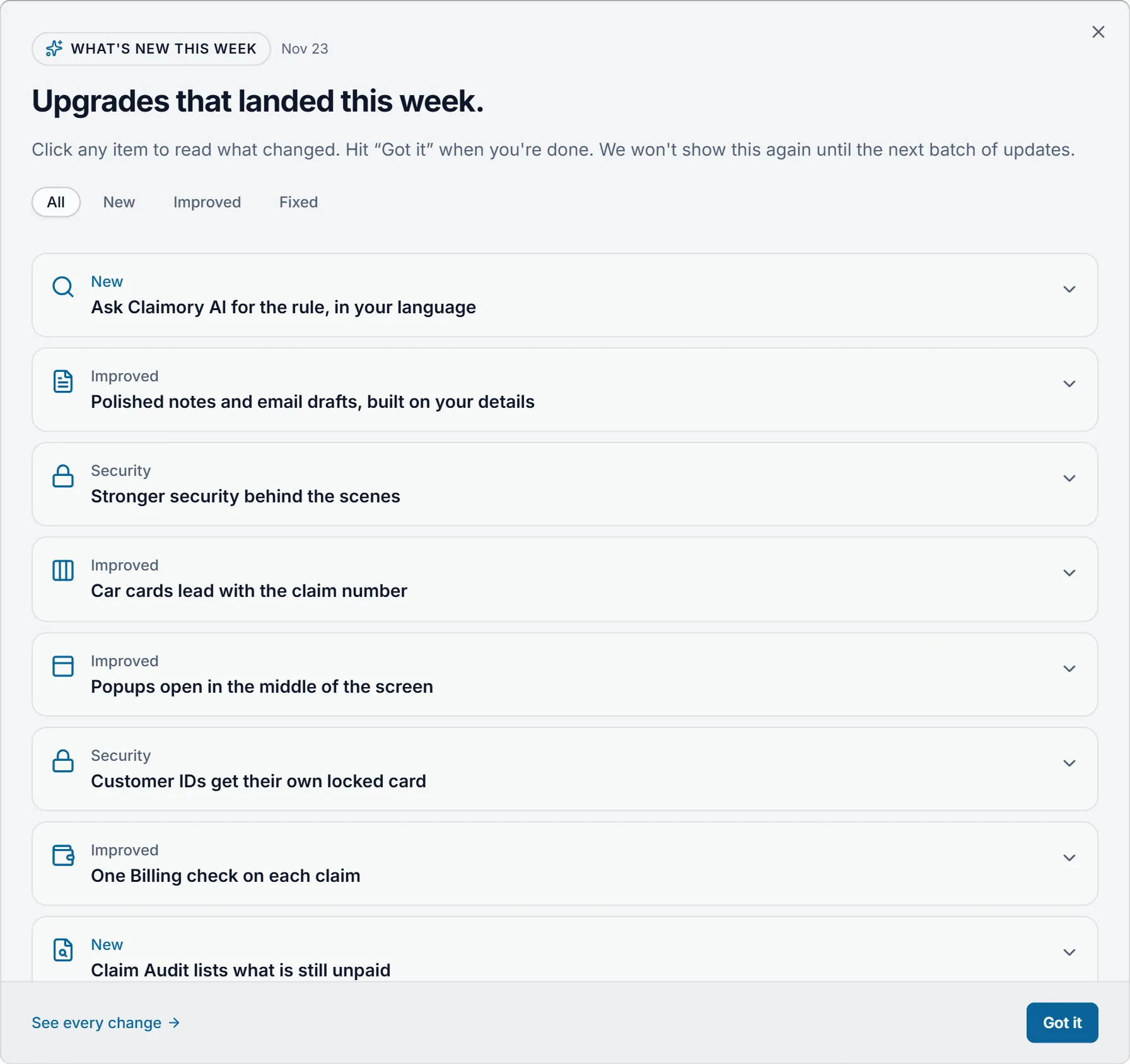
Open What's New
Press What's New in the top bar or the account menu. A red dot means something is new. Press any item to read it, See every change for the full list, then Got it.
The same list is at claimory.io/whats-new.


Questions and fixes
How do I contact Claimory support?
Claimory support answers tickets and email at support@claimory.io within 24 hours, and the phone at (810) 692-5246 Monday to Friday, 9 am to 6 pm Pacific. Press Contact Support in the account menu to send a ticket.
Can I talk to someone today?
Call Claimory at (810) 692-5246 (810-MYCLAIM) during business hours. For a stopped job, send a ticket with This is blocking work turned on.
Where can I see what is new?
Press What's New in the Claimory top bar or account menu. The full list is at claimory.io/whats-new.
Can I suggest a feature?
Yes. Press Contact Support in Claimory and pick Feature request. In the Marketplace, a search that finds nothing offers Suggest an add-on.
We could not open your shop's workspace
Press Try again in Claimory. If it repeats, sign out, sign back in, and call (810) 692-5246 if the shop is waiting.
Account suspended
Your shop's data is still there. Email the address on the Claimory screen to sort it out, or press Sign out.
Page not found
The Claimory page moved. Press Back to Dashboard and open it from the menu, or search with Ctrl+K (Cmd+K on a Mac).
Something went wrong. An unexpected error occurred.
Press Try Again in Claimory, or Back to Dashboard. If it repeats, reload the tab and send a ticket with what you pressed.
The page keeps reloading after an update
Claimory reloads an open tab by itself to bring in an update, at most once every 30 seconds, and only while you are online. If it stays stuck, close the tab and open claimory.io again.
Failed to submit ticket. Please try again.
Press Send ticket again in Claimory. If it repeats, email support@claimory.io or call (810) 692-5246.
What to do next
- Sign in and passwordsSign in to Claimory with your email or Google, reset a password you forgot, and fix every message the sign-in page can show you, one step at a time.
- Find your way aroundLearn where every screen lives in Claimory, on a computer and a phone, and jump to any claim, customer, VIN or page with one search and two shortcuts.
- Claimory on a phoneUse Claimory on a phone or a shop tablet: sign in, find a car, take claim photos, write a note at the bay, and keep check-in photos safe when the signal drops.
- Still stuck?Open the Support Center to find the fix or write to a person.